Swiss Watch Boutique Style
Authentic Swatch receipt layout with store details, tax breakdown, and thermal print look.
swatch
Swiss watch boutique receipt with Swatch styling, watch model details, and thermal print format
Start your Swatch Receipt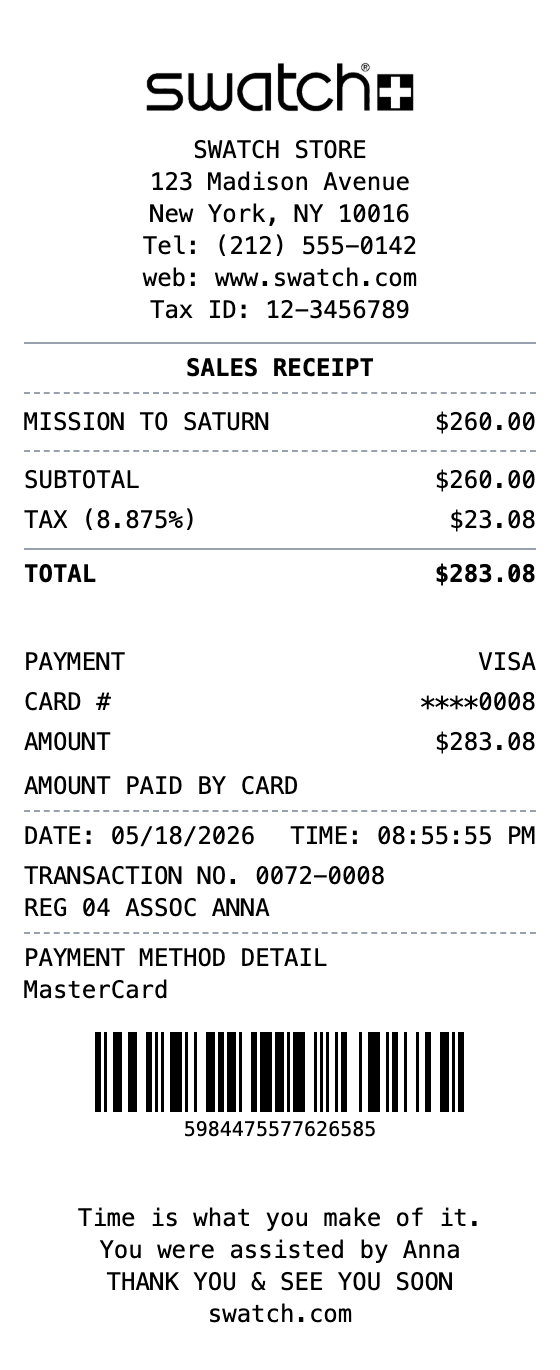
Included in this template
Authentic Swatch receipt layout with store details, tax breakdown, and thermal print look.
Pre-loaded with Swatch collection items like Mission to Saturn to mirror real boutique purchases.
Includes subtotal, sales tax, and total with a configurable tax rate to match your state or city.
Transaction number, register, and associate name lines mirror real Swatch sales receipts.
Adds a Code128 barcode and transaction reference like the bottom of a real Swatch receipt.
Download as PNG, PDF, or JPEG for mockups, records, or design references.
Open this template in the builder with all sections pre-filled.
Swap in your own business name, items, prices, date, and payment info.
Download the finished receipt as a PNG, PDF, or JPEG file.
A Swatch receipt is the transaction record issued by Swatch boutiques when you buy a watch. It lists the store and contact info, the watch model purchased, subtotal and sales tax, total paid, payment method, transaction number, and a barcode for reference.
Swatch receipts are useful for warranty registration, expense tracking, returns and exchanges, insurance documentation on higher-end pieces, and as design references for retail or POS mockups featuring Swiss watch boutiques.
Keep a clean copy of your Swatch purchase for warranty and service claims
Log watch purchases for personal budgeting or business expense reports
Create realistic Swiss watch boutique receipt mockups for retail and app designs
Use sample Swatch receipts for retail training or POS system documentation
A Swatch receipt typically includes the store address, the sales receipt heading, the watch model and price, subtotal and tax, total, payment details, date and time, transaction number, and a barcode.
Yes, you can edit the item description and price to any Swatch model, including limited editions and collaborations.
Yes, the template ships with a US sales tax rate that you can change to match any state, city, or country.
Export your Swatch receipt as PNG, JPEG, or PDF. All formats keep the thermal receipt styling intact.
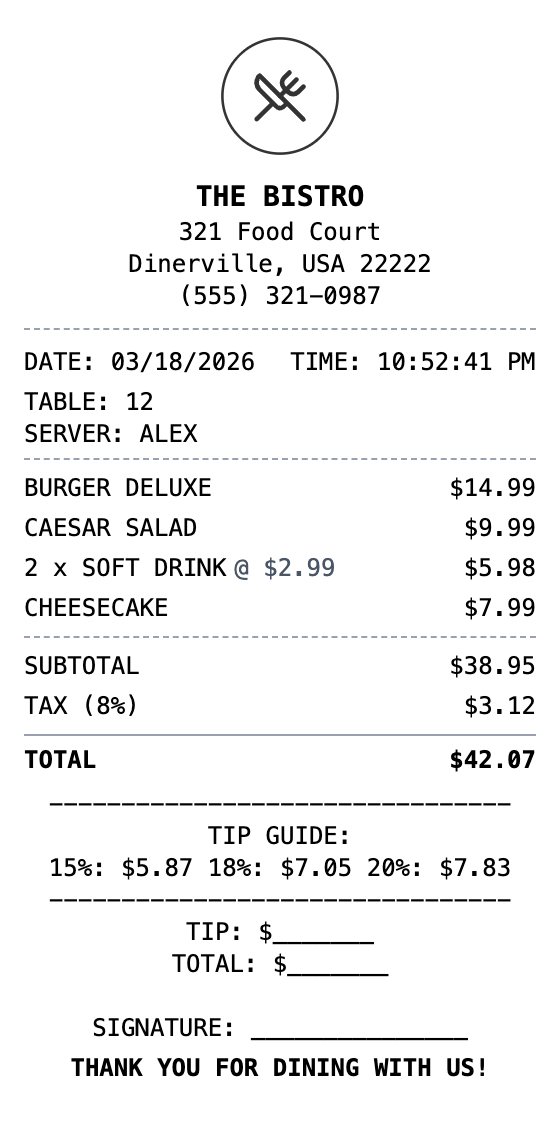
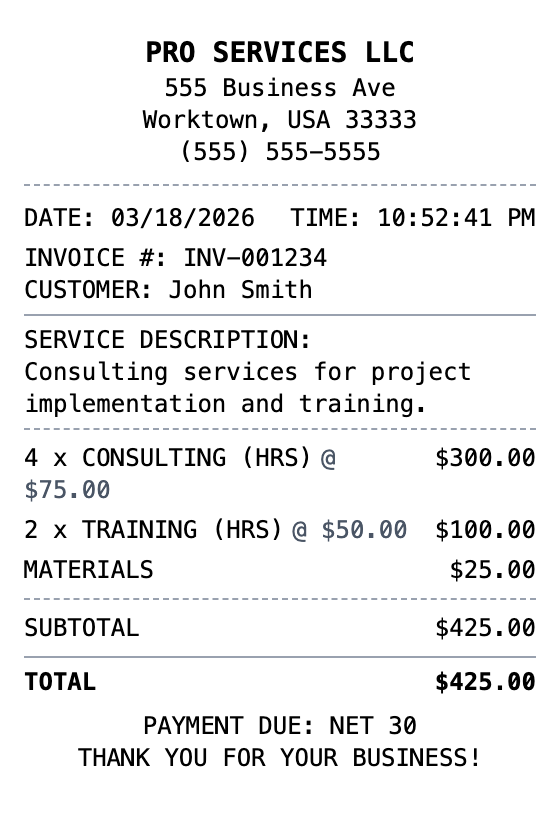
Open the template, edit the details, and export your finished receipt.
Generate Swatch Receipt