Drag & Drop Builder
Rearrange receipt sections to match the exact layout of major retail receipts - header, items, totals, payment details.
retail
Big-box retail receipt with detailed transaction info, EFT payment details, and dual barcodes. Upload your own logo to customize.
Start your Walmart Receipt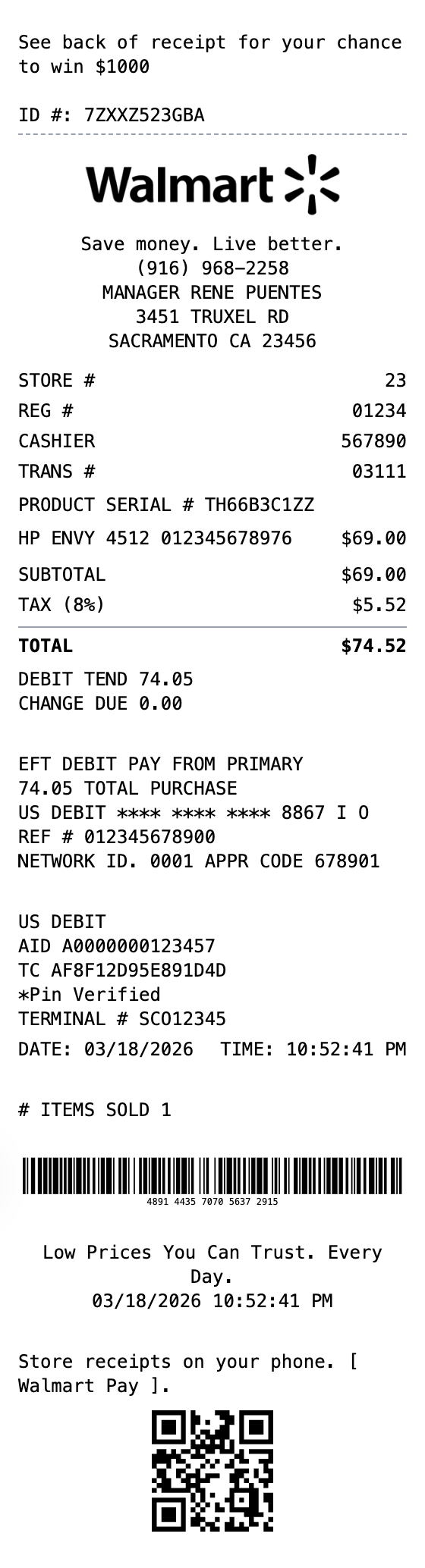
Included in this template
Rearrange receipt sections to match the exact layout of major retail receipts - header, items, totals, payment details.
See your big-box receipt come together instantly as you customize business info, items, and payment details.
Download as PNG for digital records, PDF for printing, or JPEG for smaller file sizes.
Upload your logo, add your tagline, and customize every detail while keeping the professional retail receipt format.
Include transaction barcodes and QR codes just like major retailers - link to your website or loyalty program.
Choose thermal paper for authentic register receipt look or white paper for a cleaner appearance.
One click loads the full layout into the receipt builder.
Adjust items, amounts, dates, and styling with live preview as you type.
Grab your receipt as a PNG, PDF, or JPEG, ready to use.
A Walmart receipt is the itemized proof of purchase you get at the register, or by email for online orders, after shopping at Walmart. It lists every item with its price and a tax code, the store location and number, the register and cashier IDs, the payment method, and a long transaction (TC) number with a barcode that Walmart uses for returns and price lookups.
People keep Walmart receipts for returns and exchanges, expense tracking and reimbursement, warranty claims, and price adjustments. Because Walmart ties a return to the transaction printed on the receipt, holding on to a legible copy makes returning or exchanging an item far easier, and the itemized detail is handy for budgeting and business expense records.
Recreate a receipt for your own Walmart purchase when the original was lost or faded
Document retail purchases for business expense reports and reimbursement
Keep an organized copy of purchases in case you need to return or exchange an item
Itemize spending to keep a clear picture of your household budget
Create realistic retail receipt mockups for app, film, or website projects
Maintain itemized purchase records for deductions and filing
A Walmart receipt shows the store name, address, and number, the date and time, each item with its UPC and price, a tax-code letter per item, the subtotal, sales tax, and total, the payment method and card last four, and a long transaction (TC) number with a barcode. Our template lets you customize all of these fields.
The single letter after each price is a tax code. It marks whether an item was taxable or not, which is why the letters should be consistent with the sales tax shown in the totals. Exact codes can vary by state and store.
Yes. You can use the template to recreate a receipt for your own records if the original was lost, or to build a realistic mockup for design or training. It should not be used to misrepresent a purchase that did not happen.
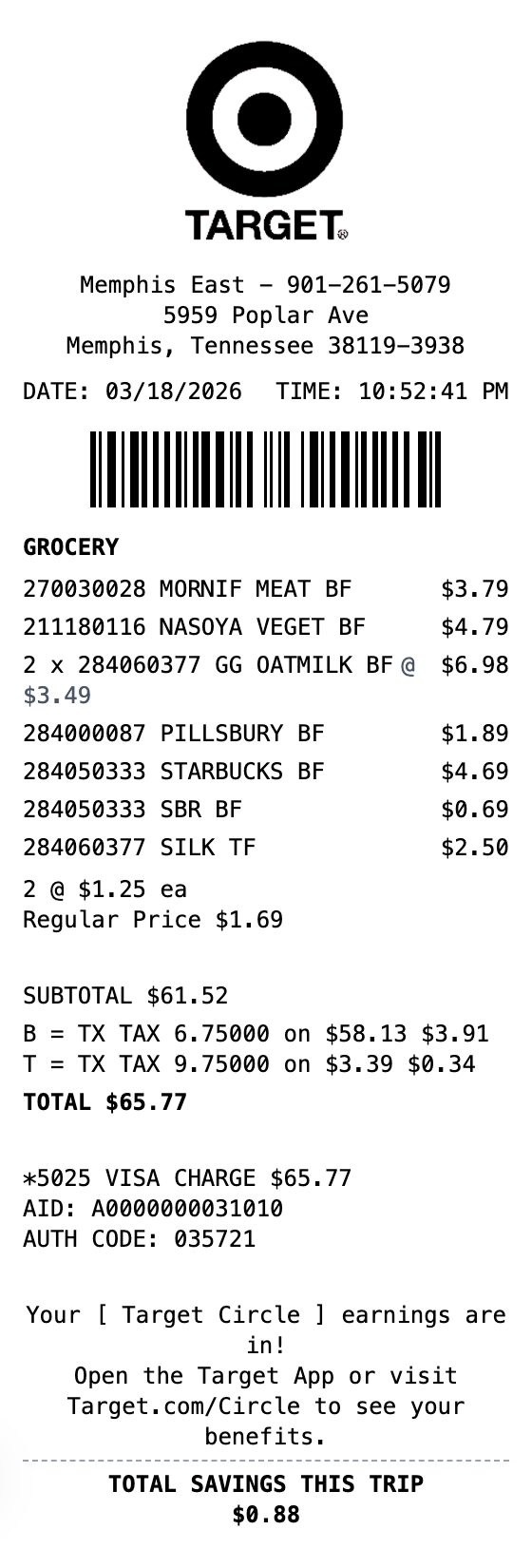
Retail
Modern department store receipt with category headers, multiple tax rates, and loyalty program section. Upload your own logo to customize.
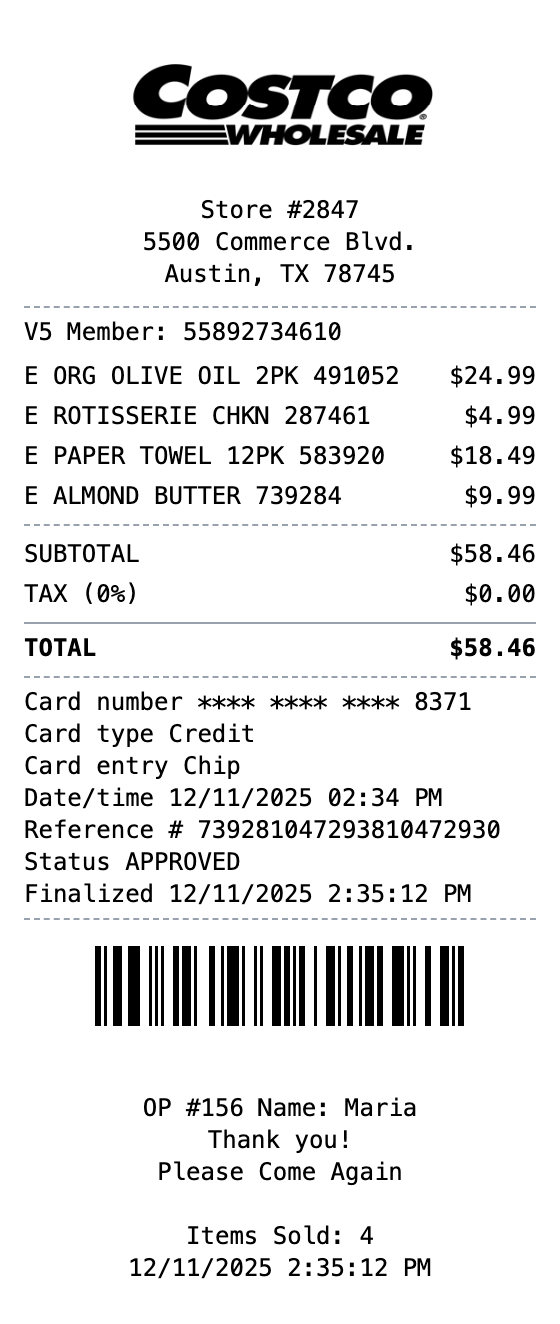
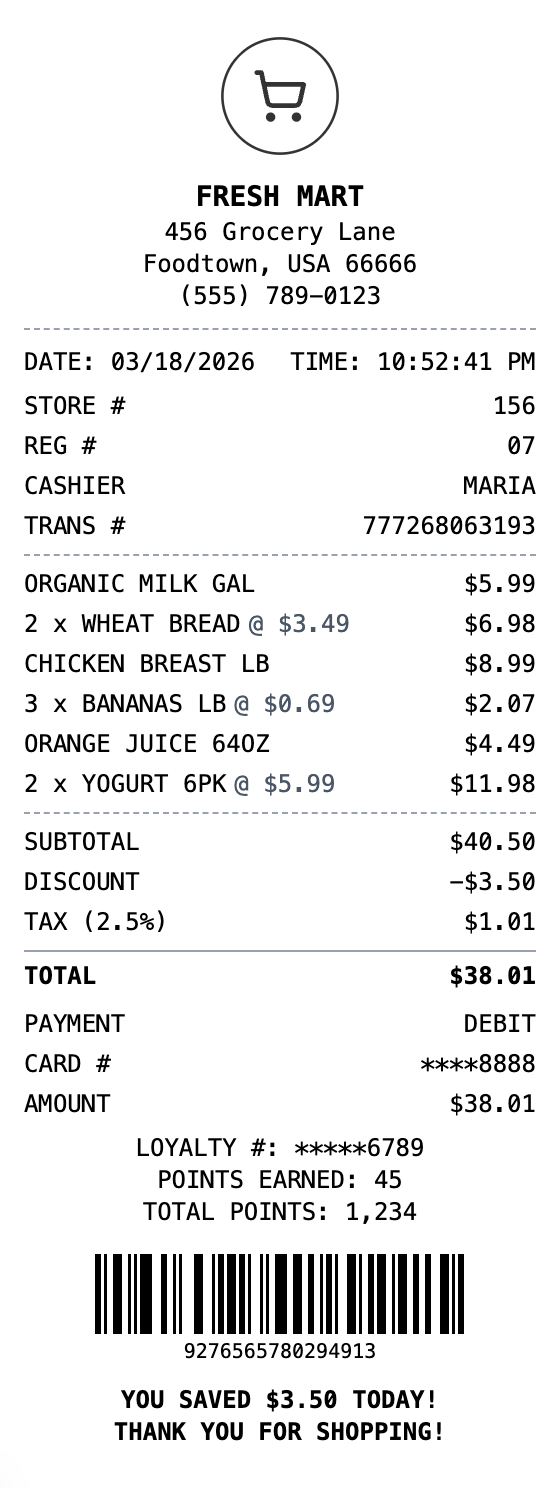
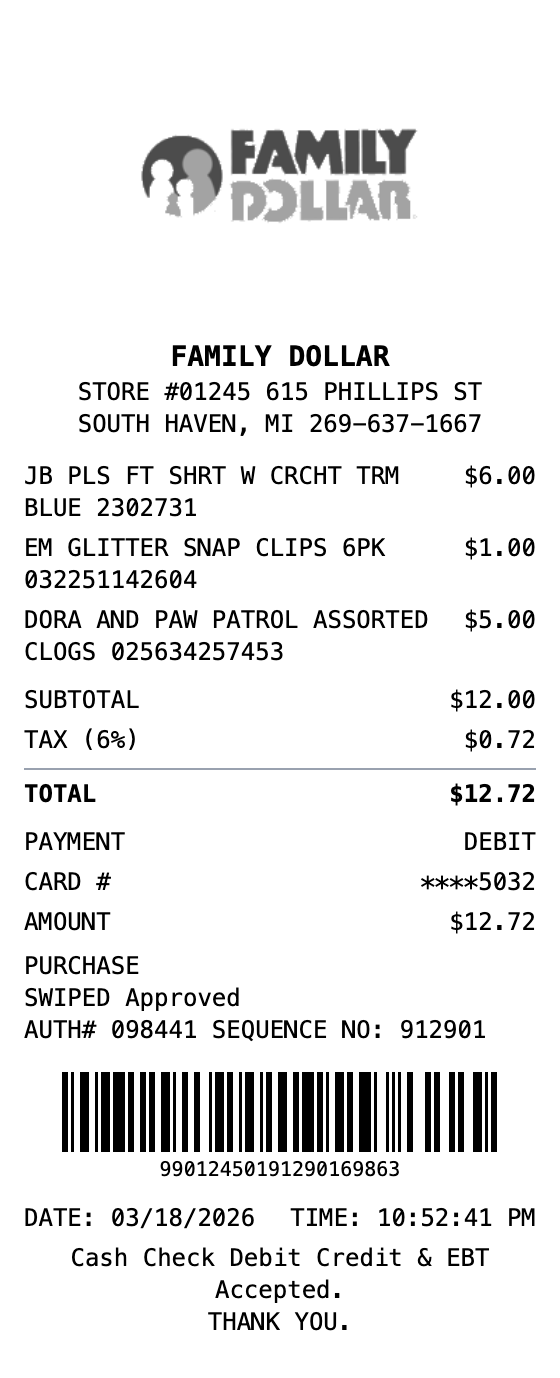
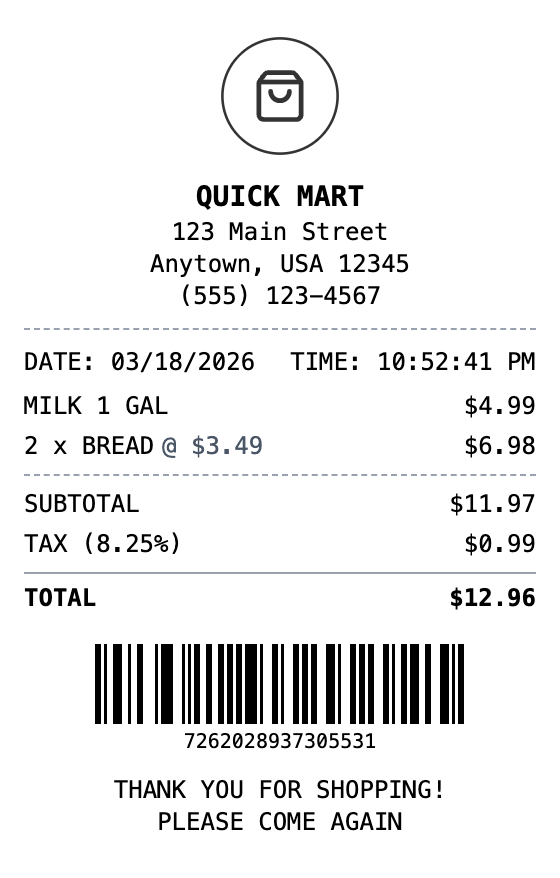
Open the template, edit the details, and export your finished receipt.
Generate Walmart Receipt