Drag & Drop Builder
Arrange your receipt sections however you like - move items, totals, and store info around with a simple drag.
retail
Standard retail receipt with items, tax, and payment
Start your Convenience Store Receipt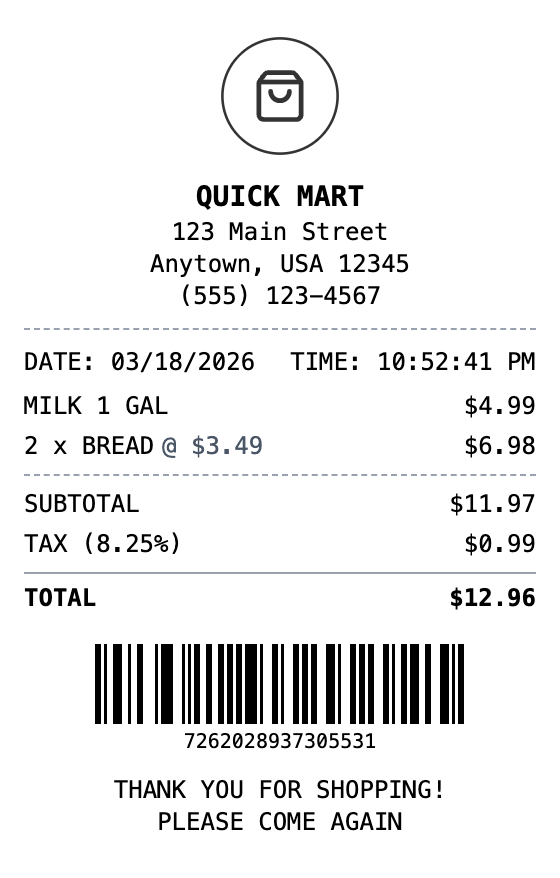
Included in this template
Arrange your receipt sections however you like - move items, totals, and store info around with a simple drag.
See your convenience store receipt update instantly as you add products, adjust prices, or change the layout.
Download your receipt as a PNG for quick sharing, PDF for printing, or JPEG for smaller file sizes.
Add your store name, tweak the fonts, and make it look exactly like receipts from your favorite corner store.
Include scannable barcodes for transaction tracking or QR codes linking to your store's website or loyalty program.
Choose thermal paper for that authentic register look, or white paper for a cleaner appearance.
Load this layout in the editor, ready to customize.
Change the header, line items, totals, and footer until everything matches.
Save the result as PNG, PDF, or JPEG, sized for print or screen.
A convenience store receipt is a printed record of a retail transaction at a corner store, bodega, or mini-mart. It typically lists each item purchased along with its price, the subtotal, applicable sales tax, and the total amount paid. Most convenience store receipts also include the store name, address, date and time of purchase, and a transaction or barcode number for returns or reference.
Convenience store receipts are essential for tracking everyday spending, filing expense reports, and maintaining proof of purchase for returns or warranty claims. Small business owners who operate convenience stores also need receipt templates for their POS systems or to replace malfunctioning receipt printers. Having a digital copy is useful for bookkeeping and tax documentation.
Recreate receipts for items purchased at corner stores when the original was lost
Document convenience store purchases for business expense reports
Keep organized purchase records for tax deductions and filings
Generate receipts when your store register or printer is not working
Create realistic receipt mockups for app or website design projects
Use sample receipts for cashier training or accounting education
A typical convenience store receipt includes the store name and address, date and time, itemized products with prices, subtotal, sales tax, total, payment method, and a transaction number or barcode.
Yes, you can add, remove, and edit every item on the receipt including descriptions, quantities, and prices. The subtotal and total are calculated automatically.
The thermal paper style with the receipt font most closely resembles real register receipts. You can also apply aging or worn effects for additional realism.
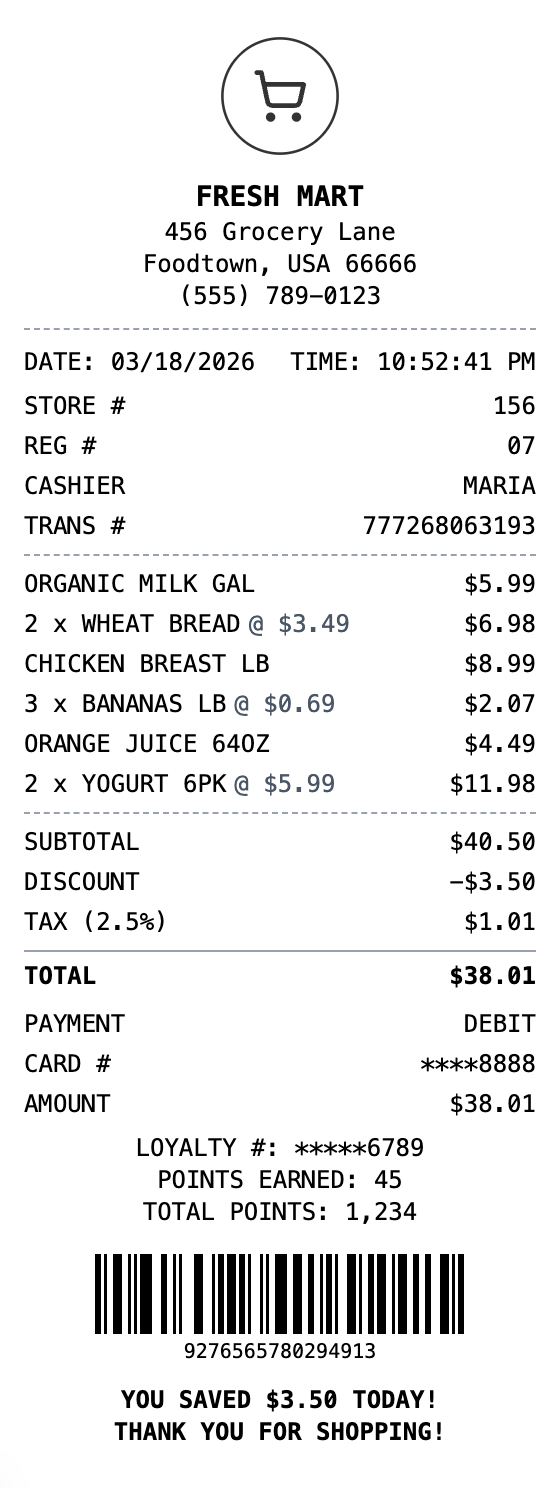
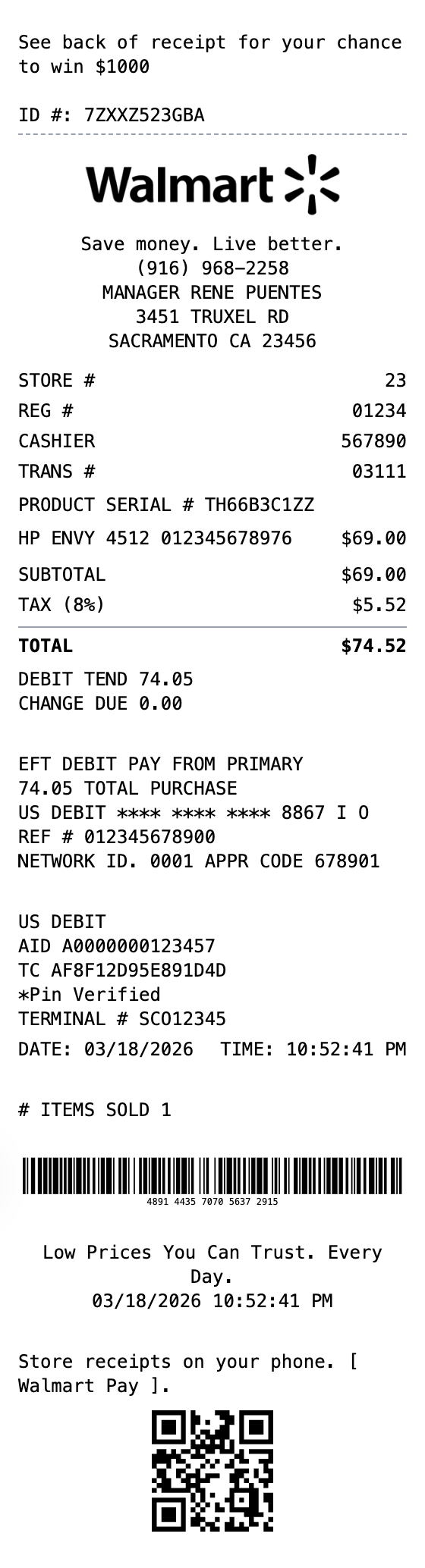
Retail
Big-box retail receipt with detailed transaction info, EFT payment details, and dual barcodes. Upload your own logo to customize.
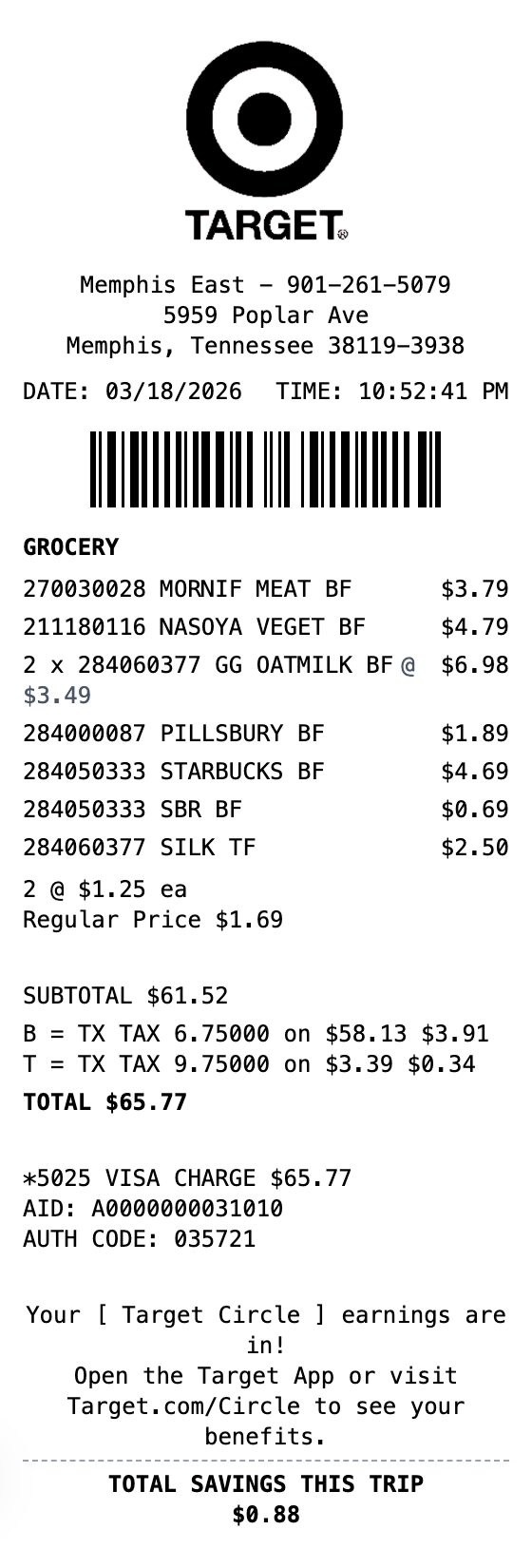
Retail
Modern department store receipt with category headers, multiple tax rates, and loyalty program section. Upload your own logo to customize.
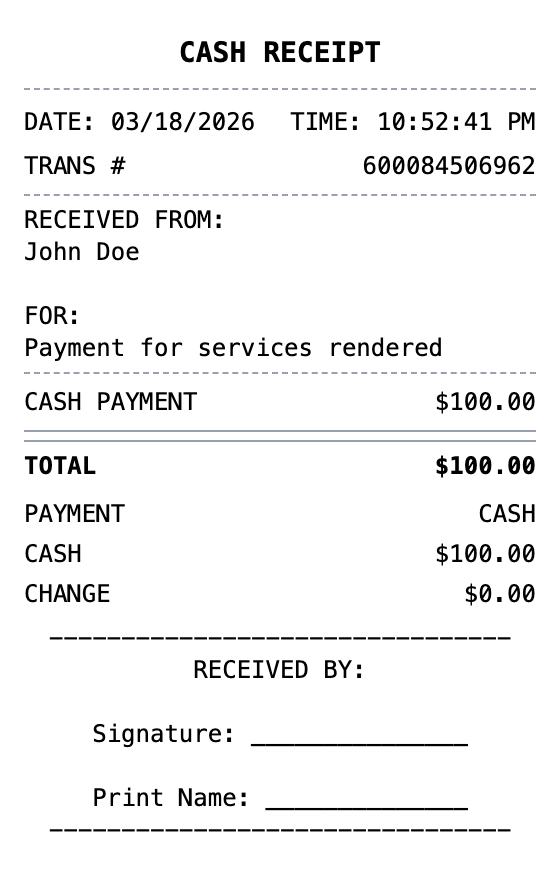
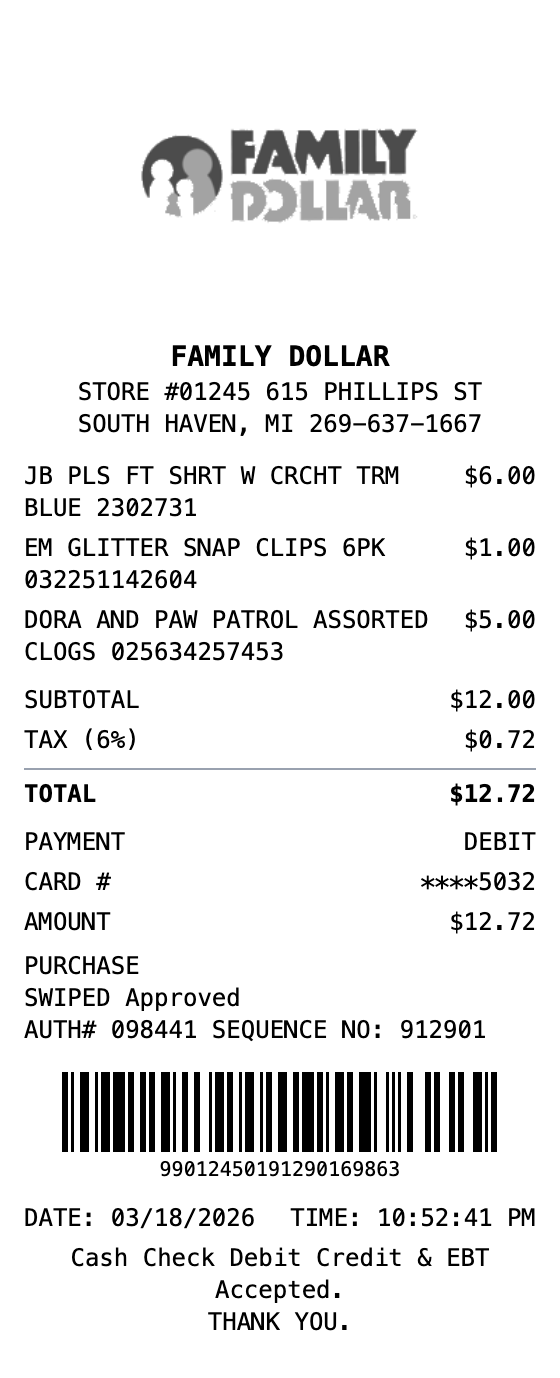
Open the template, edit the details, and export your finished receipt.
Generate Convenience Store Receipt