$$Cashtag Support
Include $cashtags for both sender and recipient in authentic Cash App format.
finance
Mobile payment receipt with $cashtag, transaction status, and instant transfer details.
Start your Cash App Receipt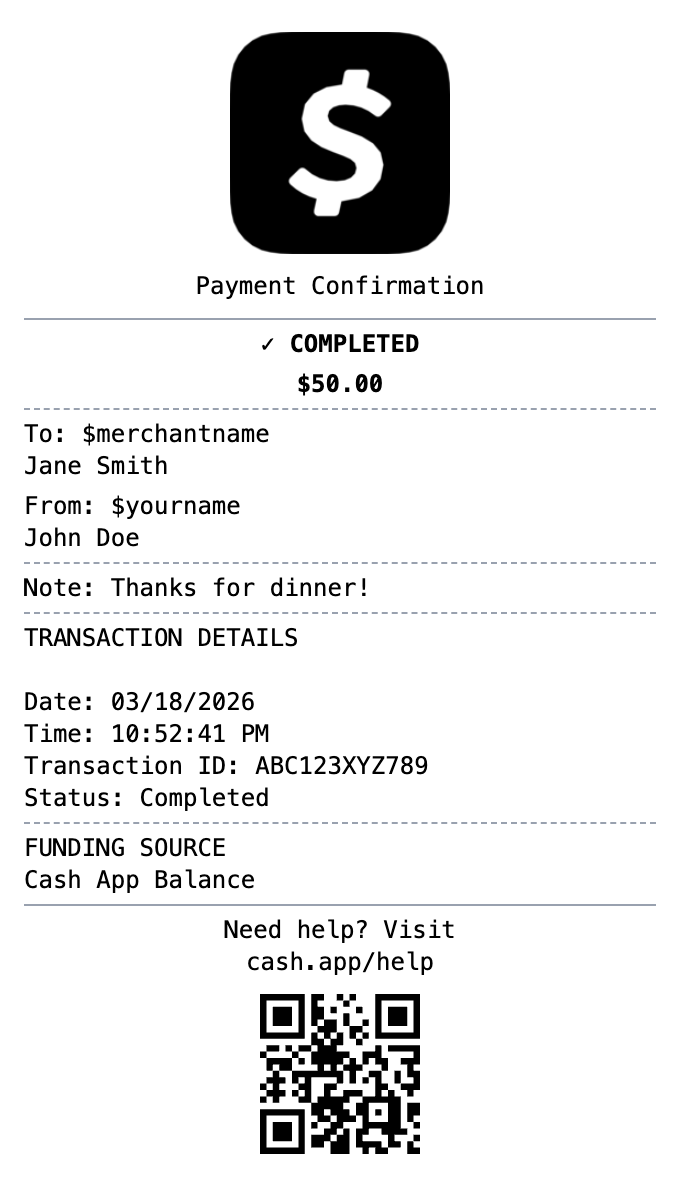
Included in this template
Include $cashtags for both sender and recipient in authentic Cash App format.
Show completed, pending, or failed status indicators.
Add personal notes that appear on the payment just like the real app.
Display whether payment came from Cash App balance, linked bank, or card.
Matches the simple, clean aesthetic of Cash App receipts.
Include unique transaction identifiers for record keeping.
Select this template from our collection of receipt templates.
Edit business details, add items, adjust prices, and customize the layout using our drag-and-drop builder.
Export your finished receipt as PNG, PDF, or JPEG and use it immediately.
A Cash App receipt is the payment confirmation shown in the Cash App after sending or receiving money. It includes the amount, the date and time, the other person's display name and $cashtag, a note about what the payment was for, and an identifier Cash App uses to reference the transaction. Web receipts also live at a unique cash.app link.
Cash App payments between users are instant, so the in-app receipt is the primary record a transfer happened. People keep them as proof of payment for personal transfers and small-business sales, for reconciling income when customers pay by Cash App, and for tax records when payments relate to goods or services.
Document customer payments received through Cash App
Keep a clear record of money sent for goods or services
Separate business income from personal transfers for filing
Track payments between friends and family
Document refunded payments with their status
Create realistic payment app mockups for design projects
A Cash App confirmation shows the amount, the date and time, the recipient name and $cashtag, the payment note, the funding source, and a transaction reference. Our template lets you customize all of these fields.
Yes, every payment has an in-app receipt, and there is also a unique web receipt link for each transaction. Many people recreate a clean copy when they need a shareable or printable record.
Yes. If customers pay you through Cash App, keeping clear per-payment records helps with bookkeeping and tax reporting. Use the template to document real payments or build mockups, not to misrepresent payments that did not happen.
Finance
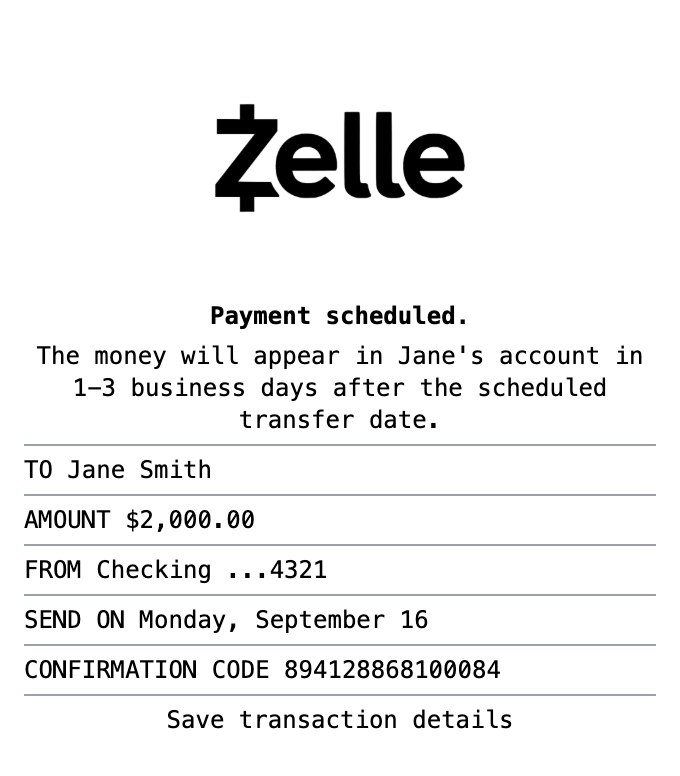
Bank transfer receipt with confirmation number, recipient details, and instant transfer status.
Finance
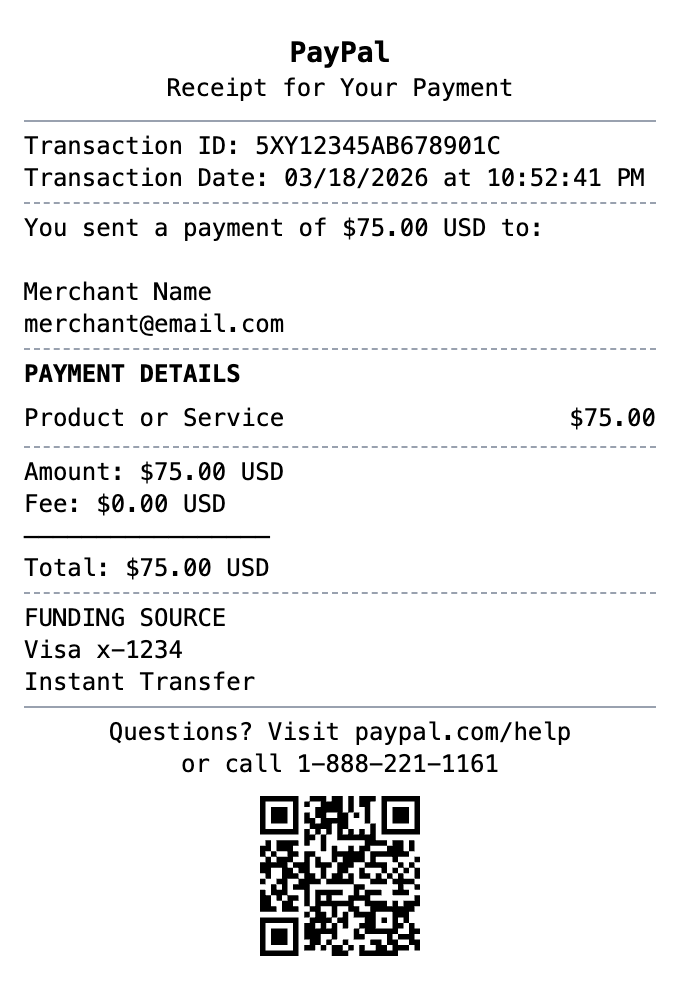
Digital payment receipt with transaction ID, sender/receiver info, and payment confirmation details.
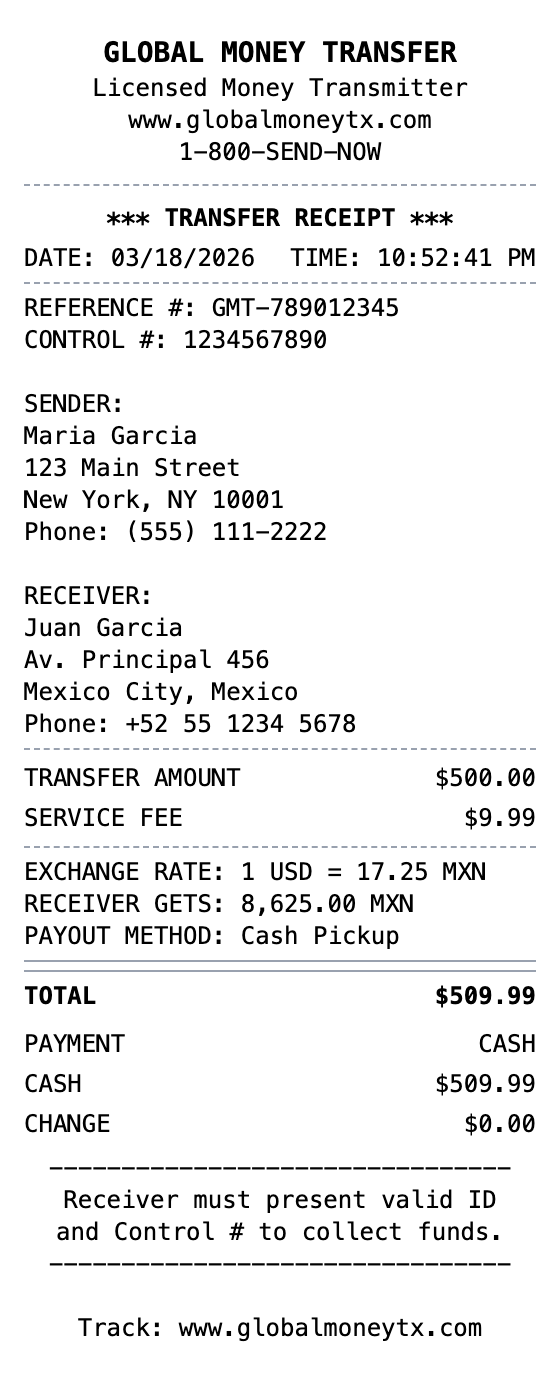
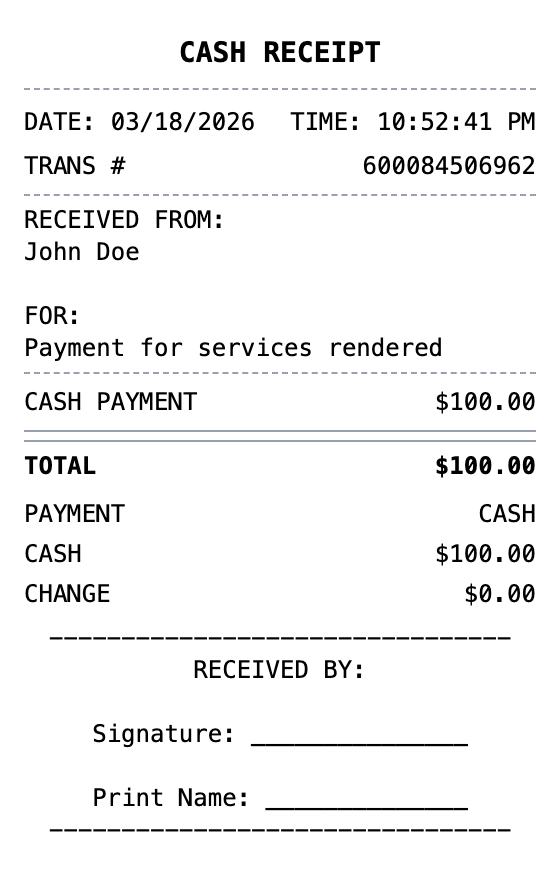
Open the template, edit the details, and export your finished receipt.
Generate Cash App Receipt