Confirmation Codes
Include unique Zelle confirmation codes for transaction tracking.
finance
Bank transfer receipt with confirmation number, recipient details, and instant transfer status.
Start your Zelle Receipt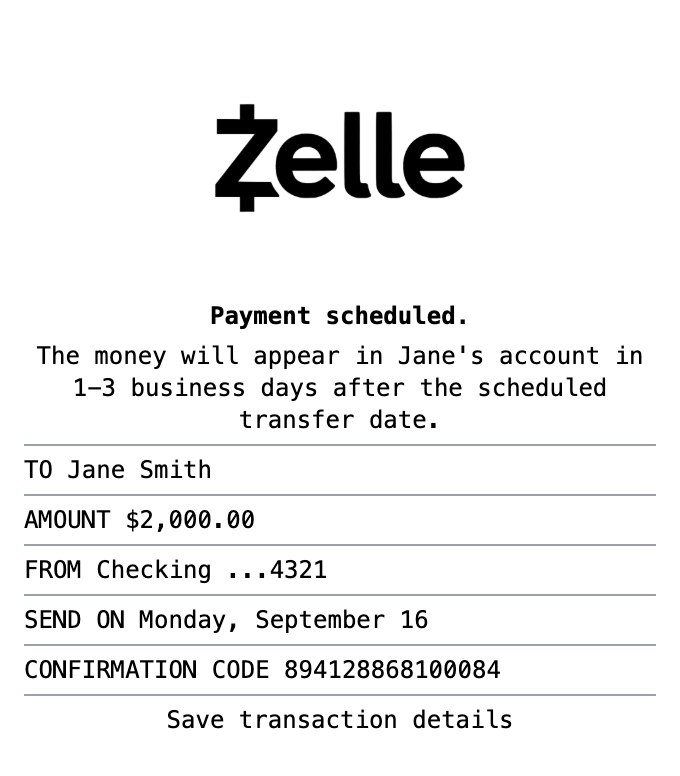
Included in this template
Include unique Zelle confirmation codes for transaction tracking.
Show sending account information with masked account numbers.
Display recipient name clearly at the top of the receipt.
Show scheduled payment dates and transfer timing.
Matches the exact layout of Zelle app payment confirmations.
Clean layout matching official Zelle payment confirmations.
One click loads the full layout into the receipt builder.
Adjust items, amounts, dates, and styling with live preview as you type.
Grab your receipt as a PNG, PDF, or JPEG, ready to use.
A Zelle receipt is the confirmation screen or email you get after sending or receiving money through Zelle, the bank-to-bank transfer network built into most major banking apps. It shows the confirmation number, the amount, the date, who the money went to or came from, and often a memo describing what the payment was for.
Because Zelle payments are instant and cannot be reversed, the confirmation is often the only record that a transfer happened. People keep Zelle receipts as proof of payment for rent, services, and personal transfers, for bookkeeping when clients pay by Zelle, and as a reference if a payment needs to be traced with the bank.
Document rent paid by Zelle with a clear, shareable record
Give clients a clean confirmation when they pay invoices by Zelle
Keep a record of transfers for disputes or bank tracing
Reconcile Zelle payments against your accounts
Track money sent to family and friends
Create realistic payment confirmation mockups for design projects
A Zelle confirmation shows the confirmation number, the amount, the date and time, the recipient name and their enrolled email or phone number, and any memo attached to the payment. Our template lets you customize each of these fields.
Zelle itself does not mail paper receipts. The record lives in your banking app and in the confirmation email or text your bank sends, which is why many people recreate a clean copy for their records.
Yes. Zelle confirmations are commonly used as proof of rent, service, and personal payments. Use the template to document a real transfer or build a mockup, not to misrepresent a payment that did not happen.
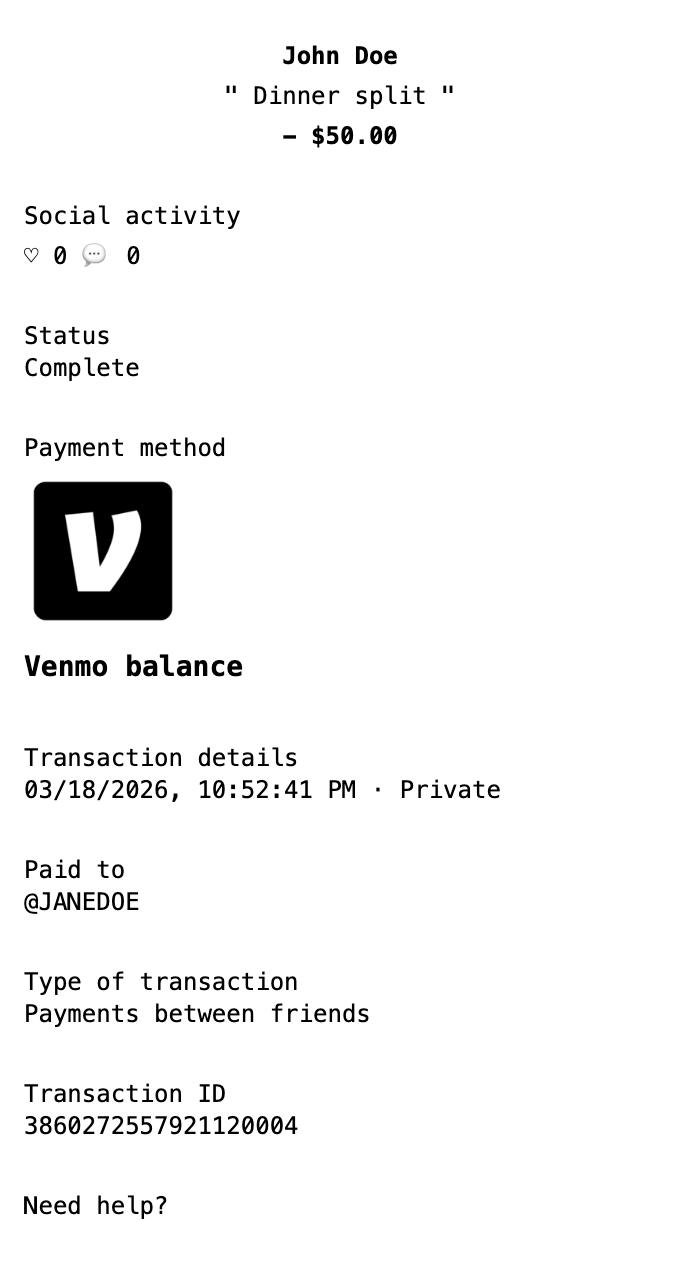
Finance
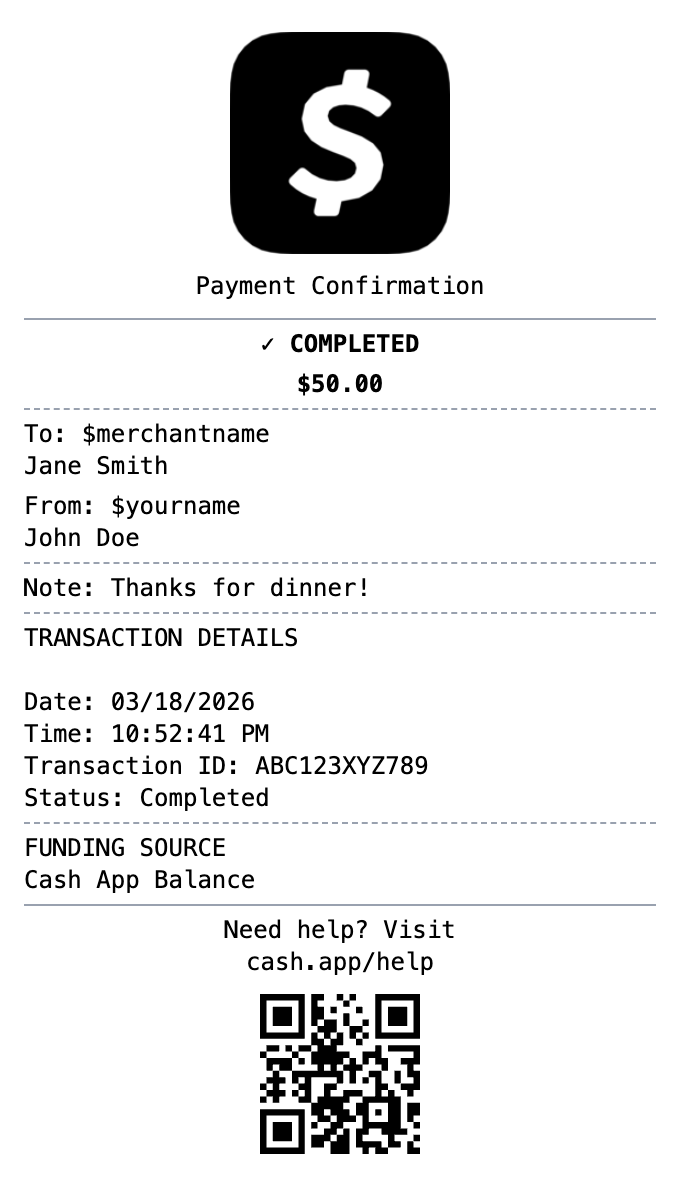
Mobile payment receipt with $cashtag, transaction status, and instant transfer details.
Finance
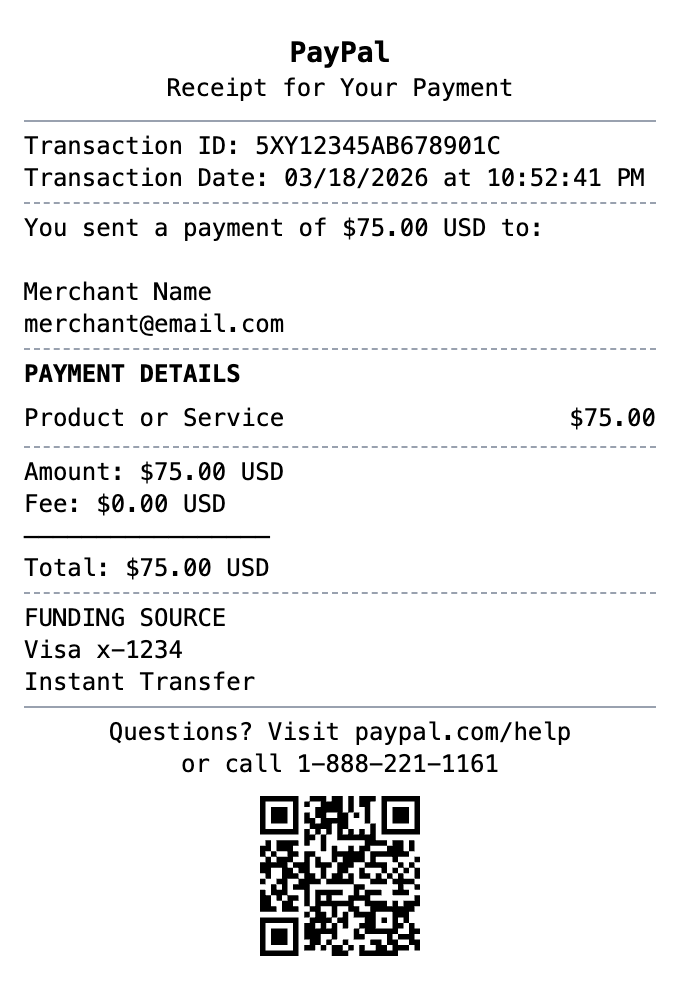
Digital payment receipt with transaction ID, sender/receiver info, and payment confirmation details.
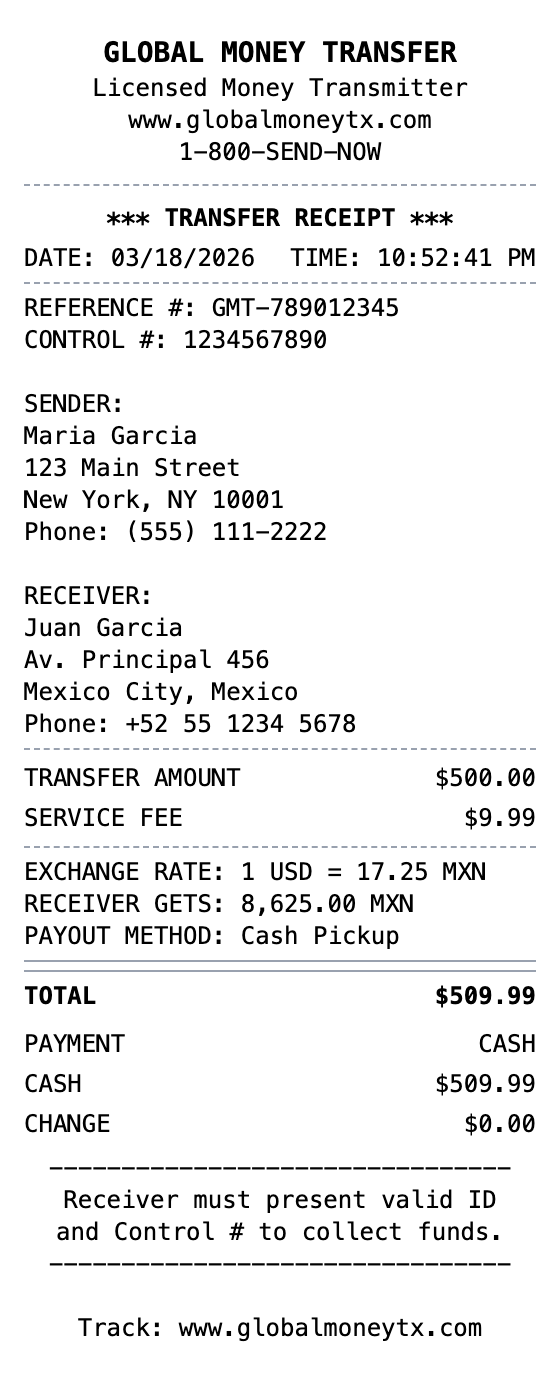
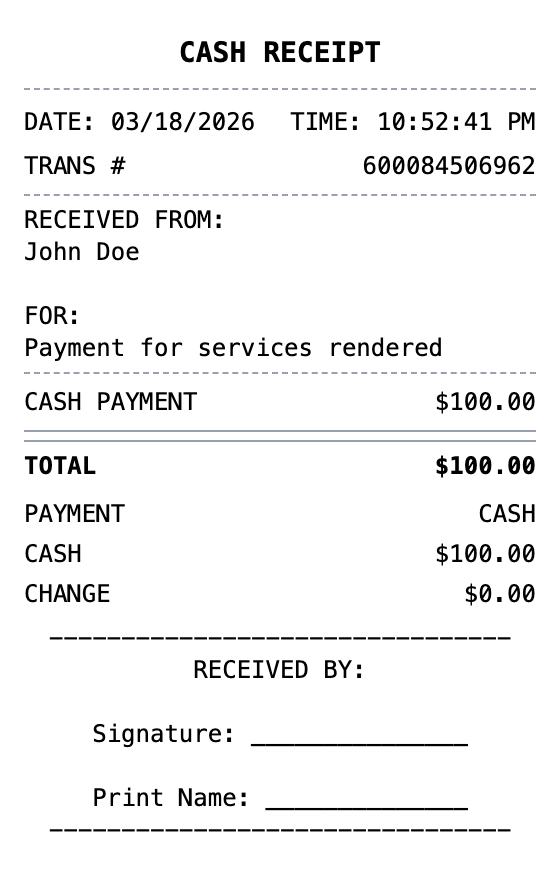
Open the template, edit the details, and export your finished receipt.
Generate Zelle Receipt