Drag & Drop Builder
Arrange menu items, drinks, appetizers, and desserts in the order your restaurant presents the check.
food
Restaurant receipt with items, tax, and tip line
Start your Restaurant Receipt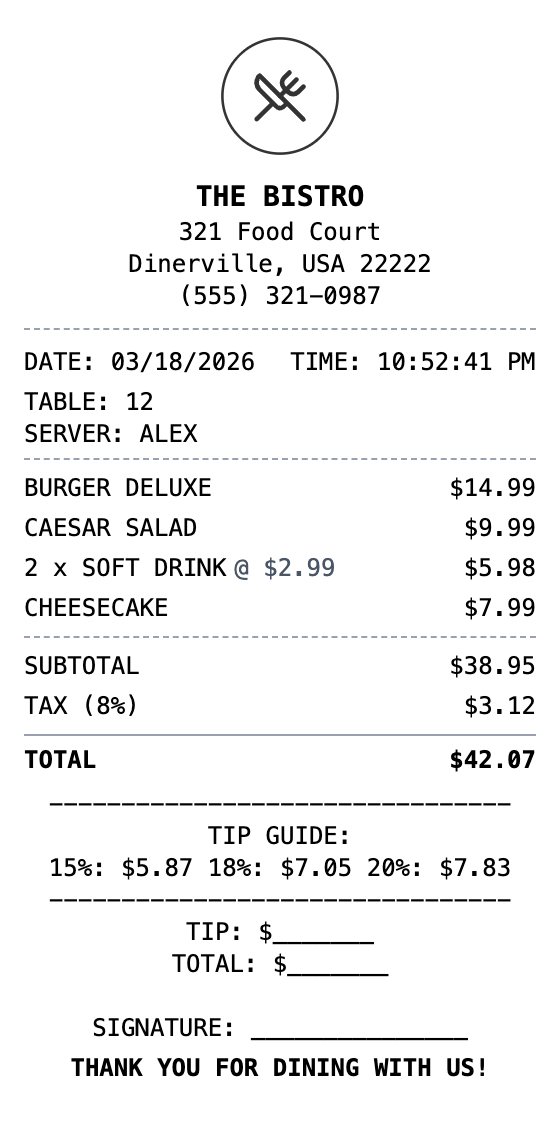
Included in this template
Arrange menu items, drinks, appetizers, and desserts in the order your restaurant presents the check.
Watch your dining receipt update as you add dishes, modify prices, and include server information.
Download as PDF for expense reports, PNG for social sharing, or JPEG for quick records.
Include your restaurant name, table number, server name, and format it like your actual guest checks.
Add barcodes for order tracking or QR codes linking to your menu, reviews, or reservation system.
Choose thermal paper for authentic restaurant receipts or white for a cleaner presentation.
Select this template from our collection of receipt templates.
Edit business details, add items, adjust prices, and customize the layout using our drag-and-drop builder.
Export your finished receipt as PNG, PDF, or JPEG and use it immediately.
A restaurant receipt is a detailed record of a dining transaction, listing each food and beverage item ordered along with prices, subtotals, taxes, tips, and the total amount charged. Restaurant receipts typically include the establishment name, table number, server name, and a breakdown of appetizers, entrees, drinks, and desserts. They may also include a tip line and suggested gratuity percentages.
Restaurant receipts are commonly needed for business meal expense reports, tax deductions for business entertainment, and personal budgeting. Companies require itemized dining receipts to reimburse employees, and self-employed individuals need them to document deductible business meals. They are also useful for resolving billing disputes or tracking dietary spending.
Document client dinners and team meals for company reimbursement
Record business entertainment meals for IRS Schedule C deductions
Generate guest checks when your POS system is down
Track dining expenses as part of monthly food spending
Create receipt mockups for restaurant app or website designs
Document catering orders and event dining expenses
Yes, use the custom message section to add a tip guide with suggested percentages, a tip blank line, and a signature line just like real restaurant checks.
You can add all items to the items list section with descriptive names. For visual separation, insert a divider section between food and beverage items.
Yes, use the transaction info section to add server name, table number, and order number, or include them in a custom message section.
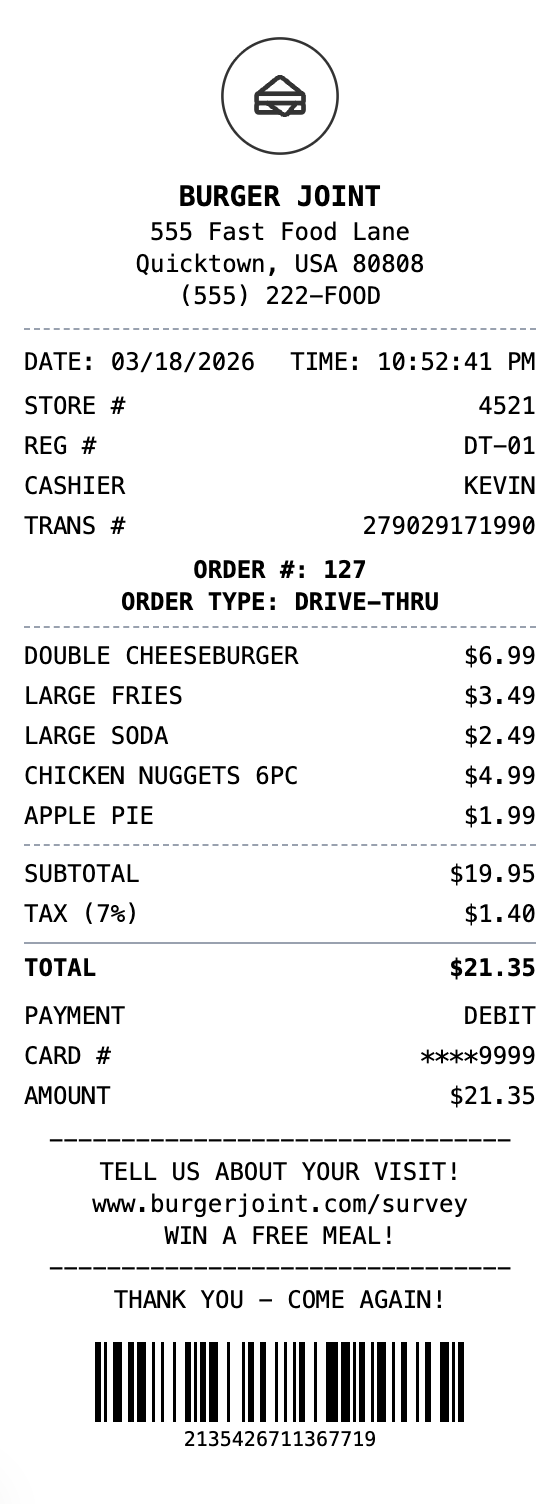
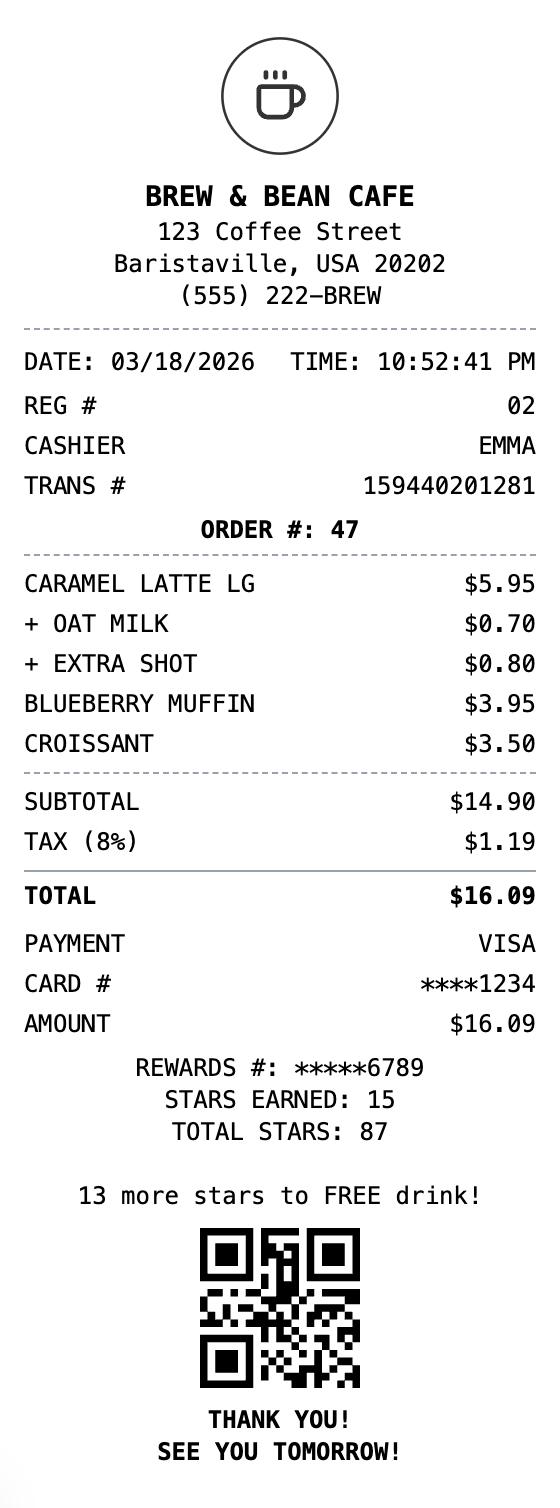
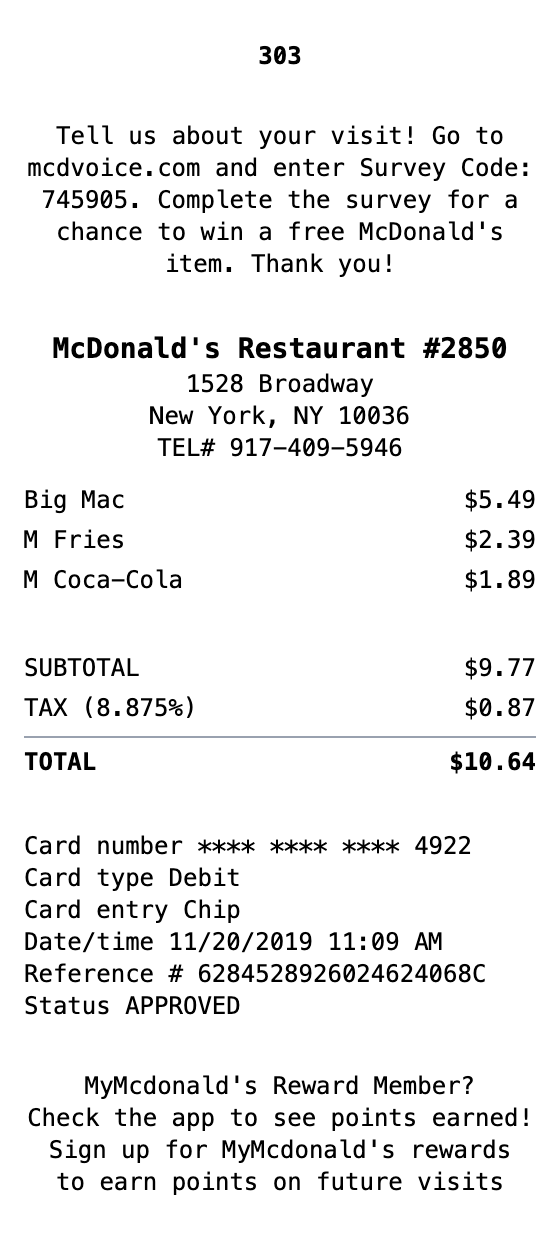
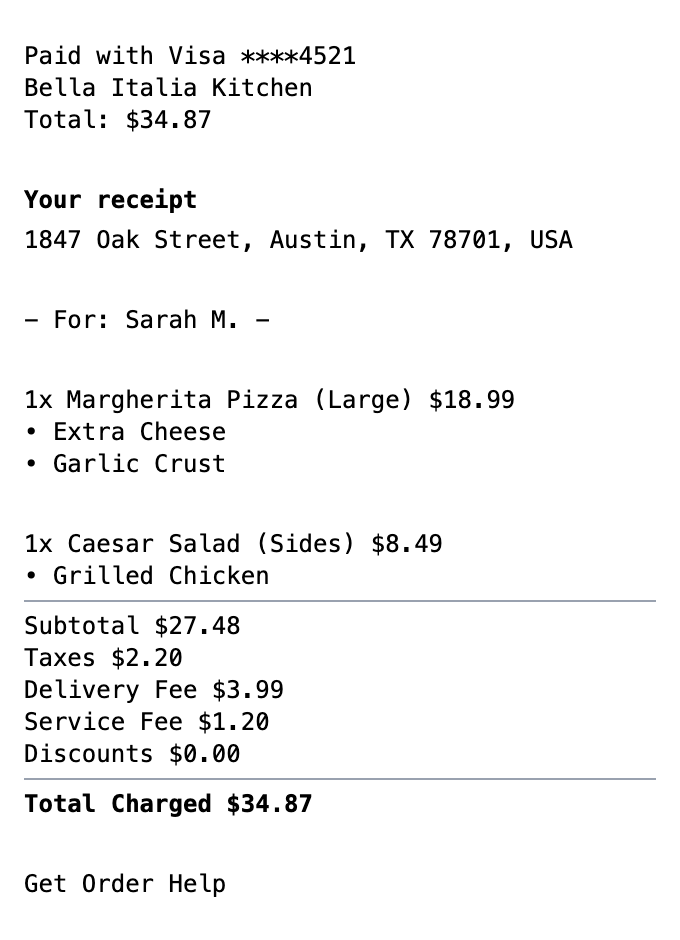
Food
Food delivery receipt with order details, driver tip, delivery fee, and itemized menu items.
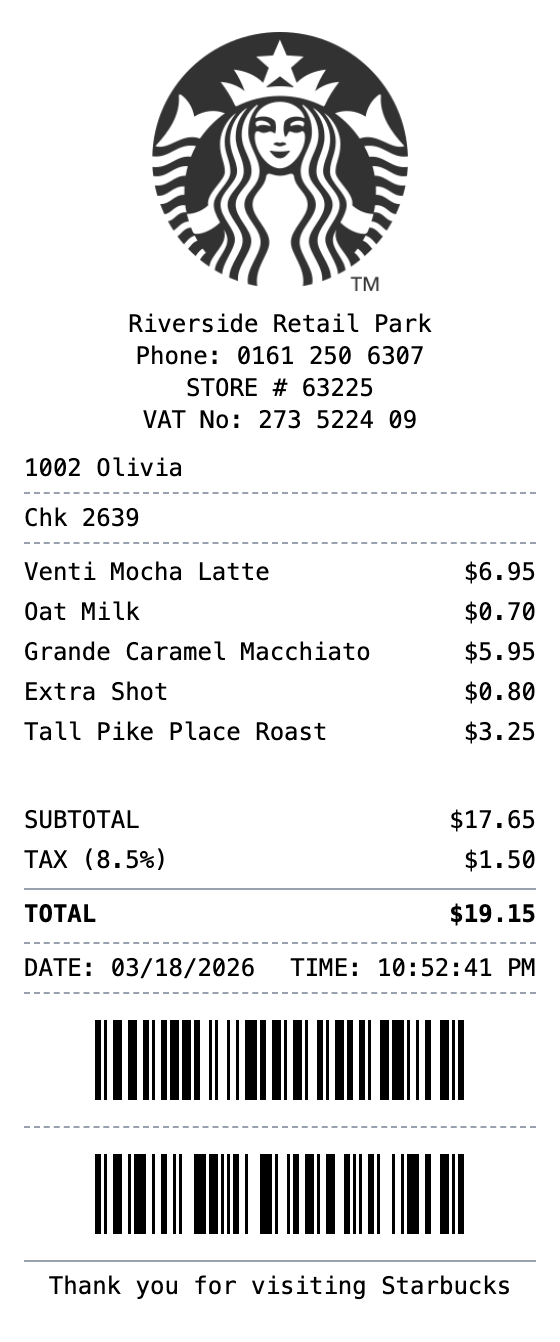
Open the template, edit the details, and export your finished receipt.
Generate Restaurant Receipt