Warehouse Club Format
Authentic Sam's Club receipt layout with self checkout header, club manager, and member name display.
sams-club
Warehouse club receipt with member name, item codes, dual tax rates, EFT payment details, and transaction barcode.
Start your Sam's Club Receipt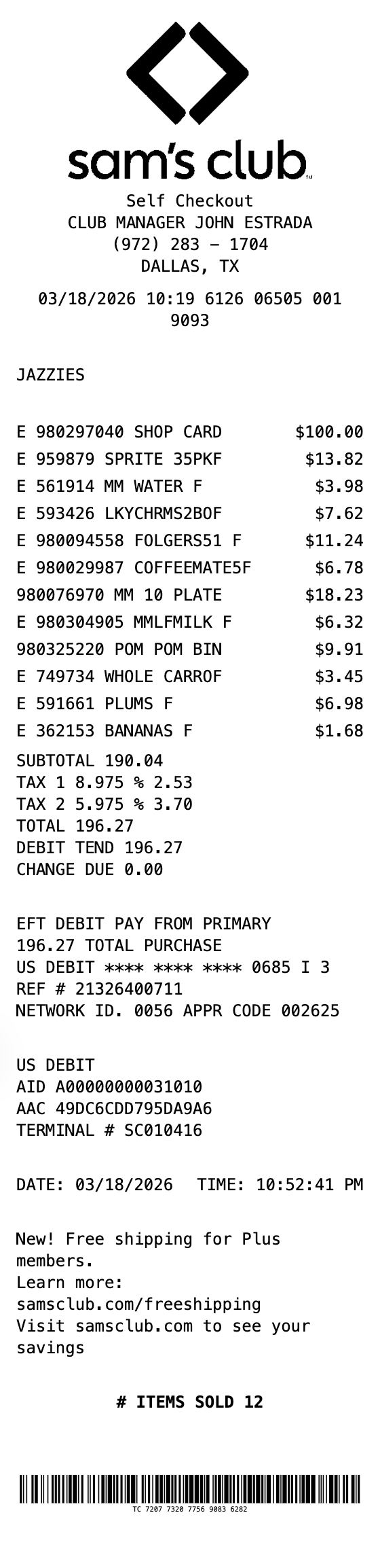
Included in this template
Authentic Sam's Club receipt layout with self checkout header, club manager, and member name display.
Show two separate tax rates (Tax 1 and Tax 2) with percentages and amounts, matching real Sam's Club receipts.
Items shown with E prefix for taxable items, product codes, abbreviated descriptions, and tax flag indicators.
Complete EFT debit block with card masking, reference numbers, network ID, approval codes, AID, and terminal info.
Bold items sold count at the bottom, just like authentic warehouse club receipts.
TC# barcode at the bottom with the full transaction code number displayed below.
Load this layout in the editor, ready to customize.
Change the header, line items, totals, and footer until everything matches.
Save the result as PNG, PDF, or JPEG, sized for print or screen.
Document Sam's Club bulk purchases for business expense reimbursement
Create receipts for office and business supply purchases from warehouse clubs
Keep organized records of wholesale club spending for monthly budgets
Generate realistic warehouse club receipt mockups for POS or app designs
Use sample receipts for cashier training or Sam's Club POS documentation
Reference receipt format for warehouse club membership and shopping records
A Sam's Club receipt features the diamond logo at top, Self Checkout or register type, club manager name, phone number, city/state, a transaction metadata line, member name, itemized products with E-prefix codes and tax flags, dual tax rate breakdown, EFT debit payment details with AID and terminal info, and a TC# barcode at the bottom.
Yes, you can edit all item descriptions, codes, prices, and both tax rates. Add or remove items, change the member name, update payment details, and modify the club manager info to match your needs.
Sam's Club receipts use letter flags next to prices: R indicates regular taxable items, T indicates items taxed at the second tax rate, N indicates non-taxable items, and F before the price indicates food stamp eligible items.
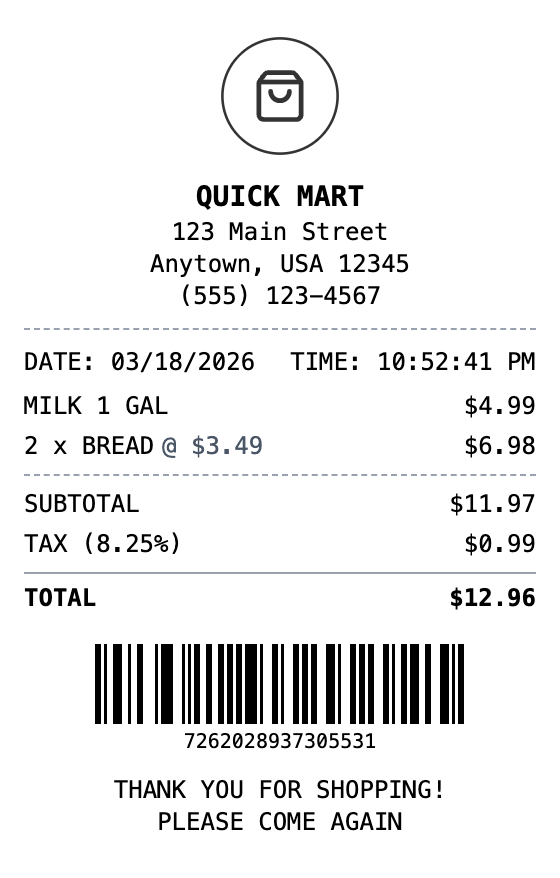
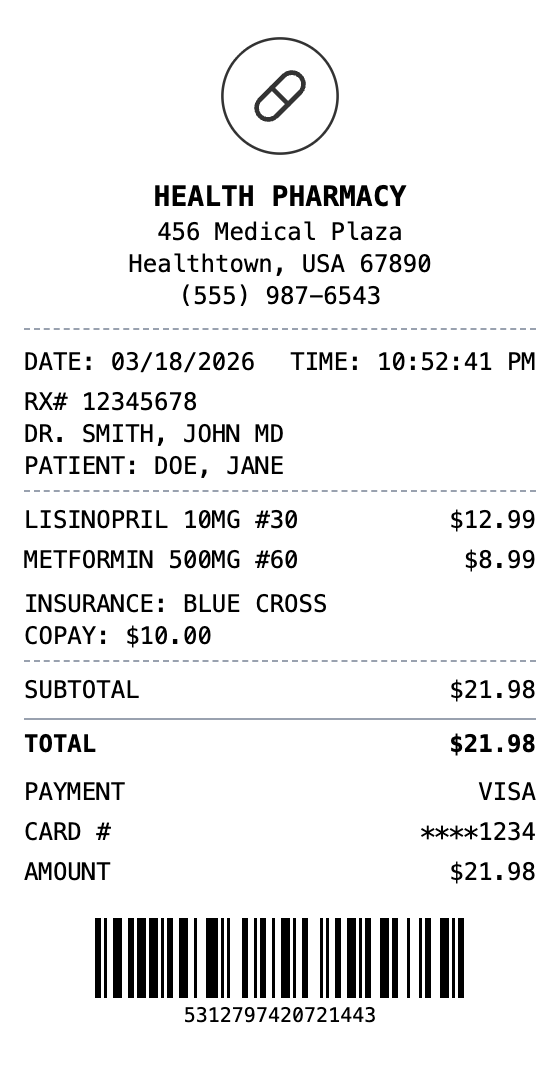
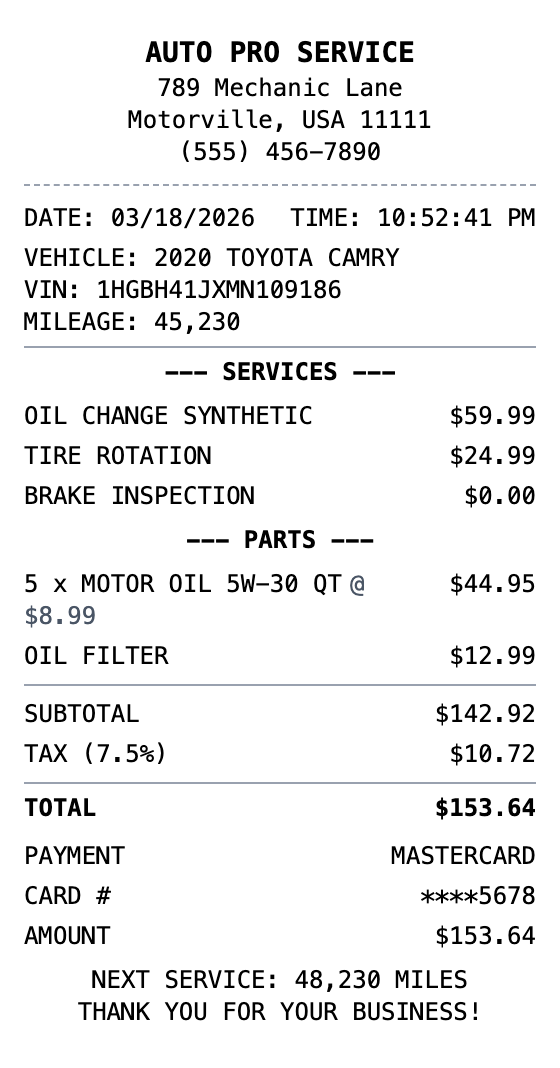
Open the template, edit the details, and export your finished receipt.
Generate Sam's Club Receipt