PetPerks Rewards
Show PetPerks member discounts and savings on qualifying items
pet-store
Pet store receipt with PetPerks savings, item barcodes, tax breakdown, and debit payment details.
Start your PetSmart Receipt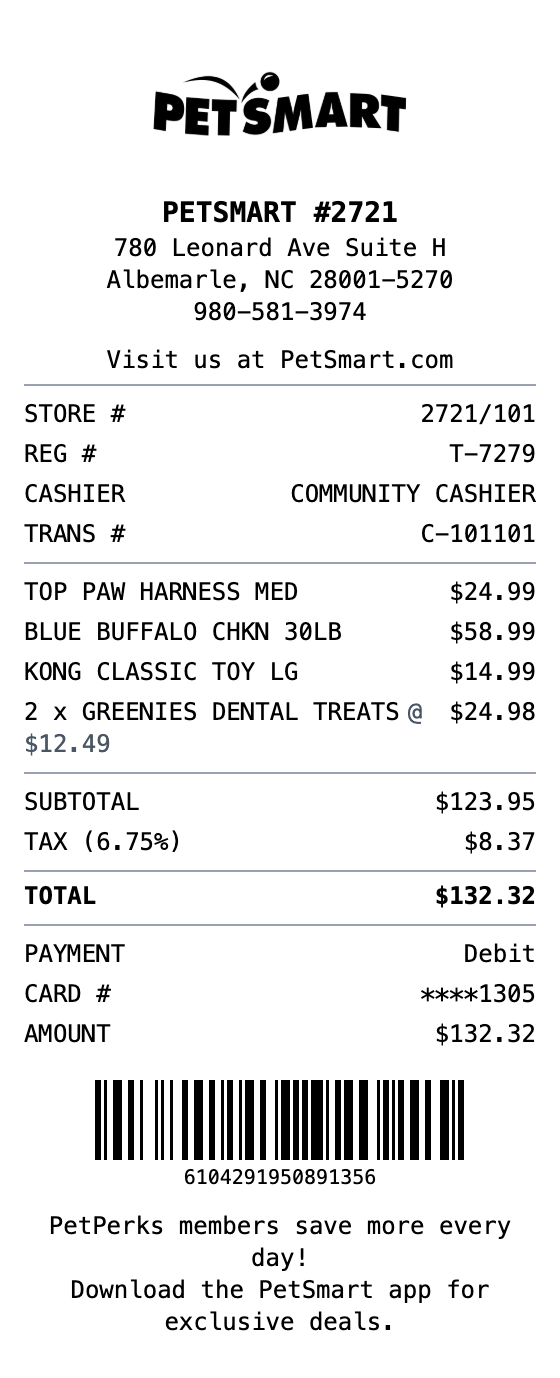
Included in this template
Show PetPerks member discounts and savings on qualifying items
Pre-loaded with realistic pet food, toys, and accessories line items
Separate taxable and non-taxable amounts with configurable tax rate
Includes store number, register, cashier, and transaction info
Support for debit, credit, and cash payment types with card details
Auto-generated Code128 barcode for authentic receipt appearance
One click loads the full layout into the receipt builder.
Adjust items, amounts, dates, and styling with live preview as you type.
Grab your receipt as a PNG, PDF, or JPEG, ready to use.
Keep organized records of pet supply purchases for budgeting
Track monthly pet care spending across food, treats, and supplies
Create realistic pet store receipt mockups for POS or app designs
Use sample receipts for retail training or POS system documentation
Yes. Edit the store name, address, phone number, and store number in the header section to match any PetSmart location.
Use the totals section to add a discount amount, or add a custom message section to show PetPerks savings on individual items.
Absolutely. Click any item to edit the name, quantity, and price. Add items like food, treats, toys, grooming supplies, or aquarium products.
Export your PetSmart receipt as PNG, JPEG, or PDF. All formats maintain thermal receipt styling.
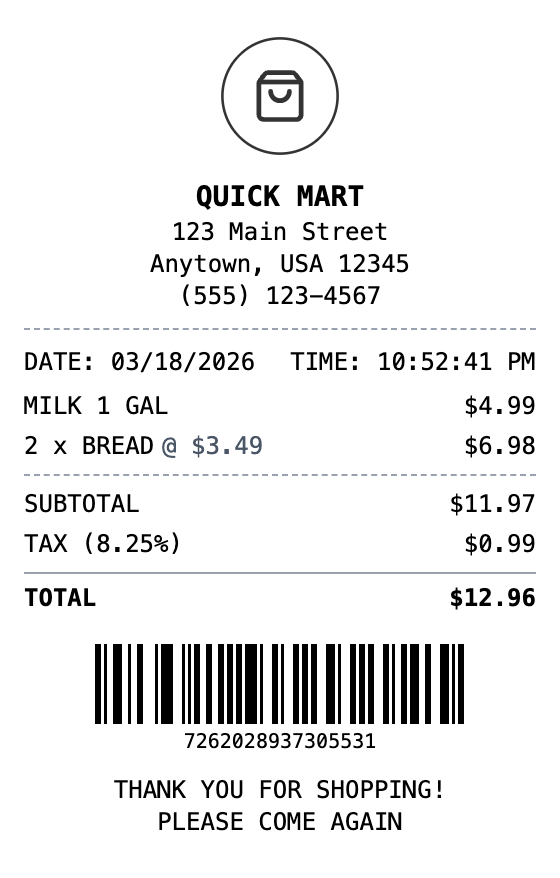
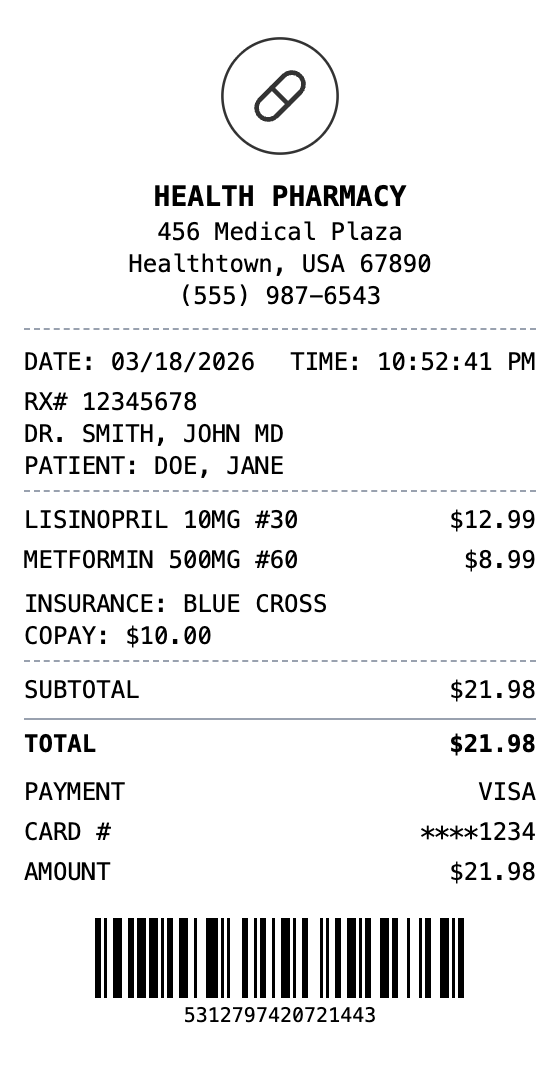
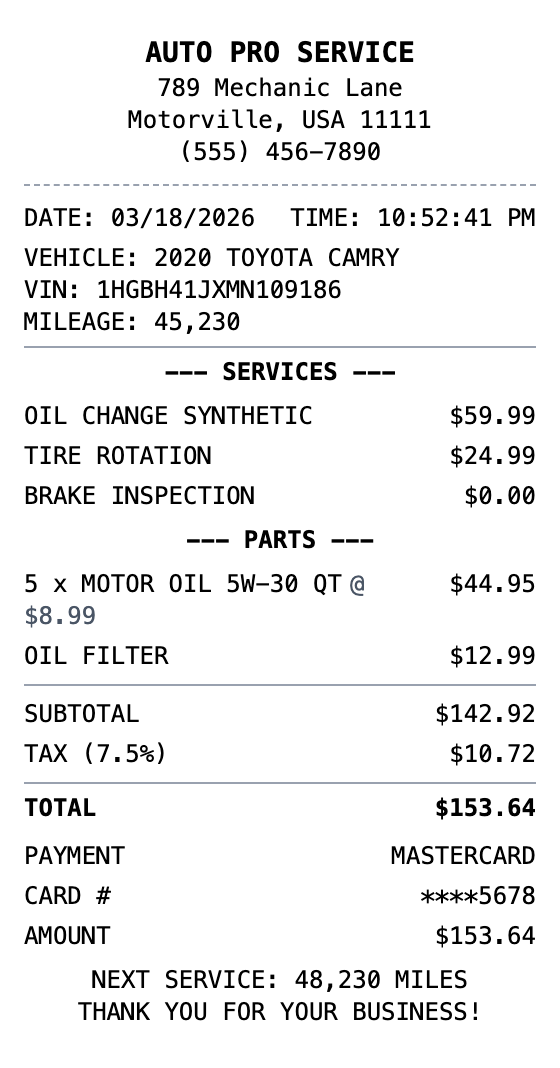
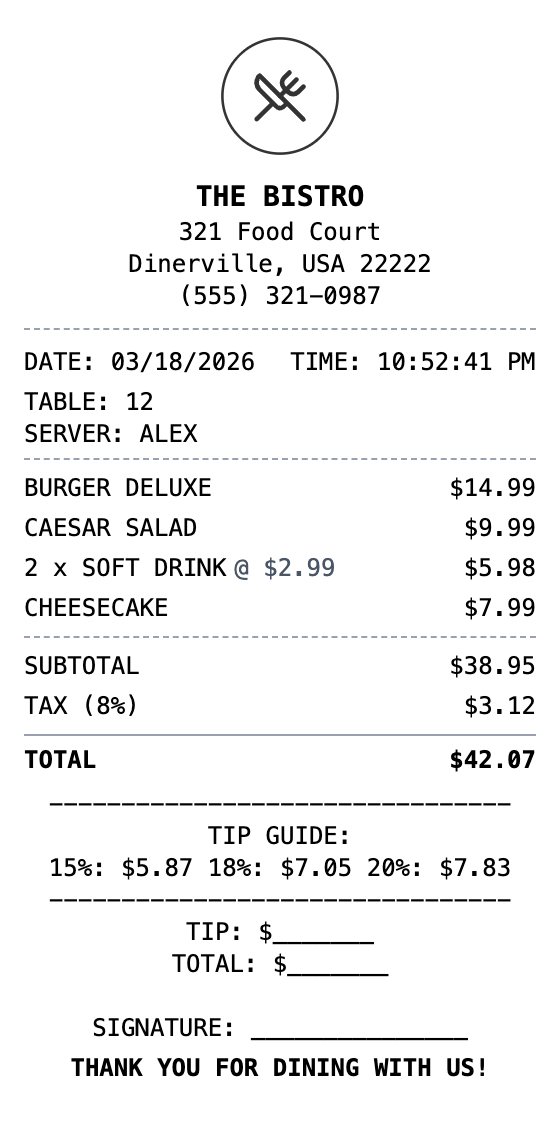
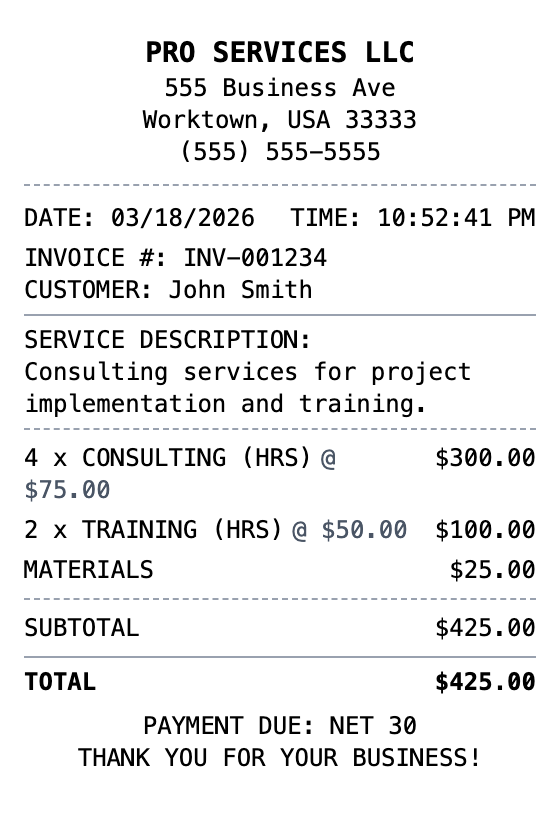
Open the template, edit the details, and export your finished receipt.
Generate PetSmart Receipt