25 dining and delivery layouts

Restaurant Receipt Templates

Compare editable receipt templates for full-service restaurants, cafes, fast-food counters, pizza orders, takeout, and delivery. Choose the layout closest to the real transaction, check the fields, and customize the details in the online receipt maker.

Match the service model

How to Choose a Restaurant Receipt Template

Start with how the order was placed and fulfilled. The right starting layout reduces editing and makes important fields easier to verify. Every example below opens in the same browser-based receipt maker.

Full-service dining

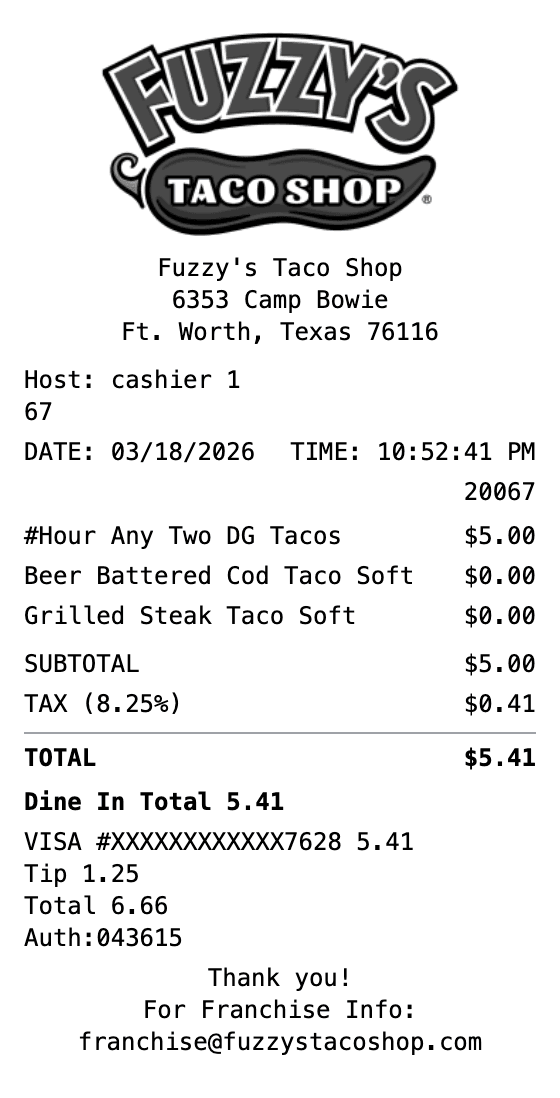
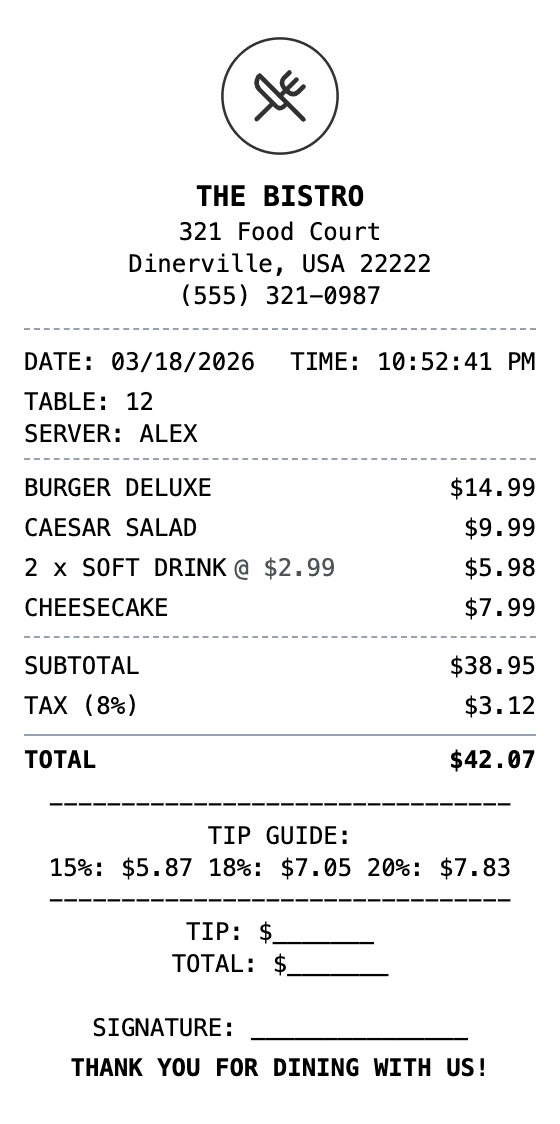
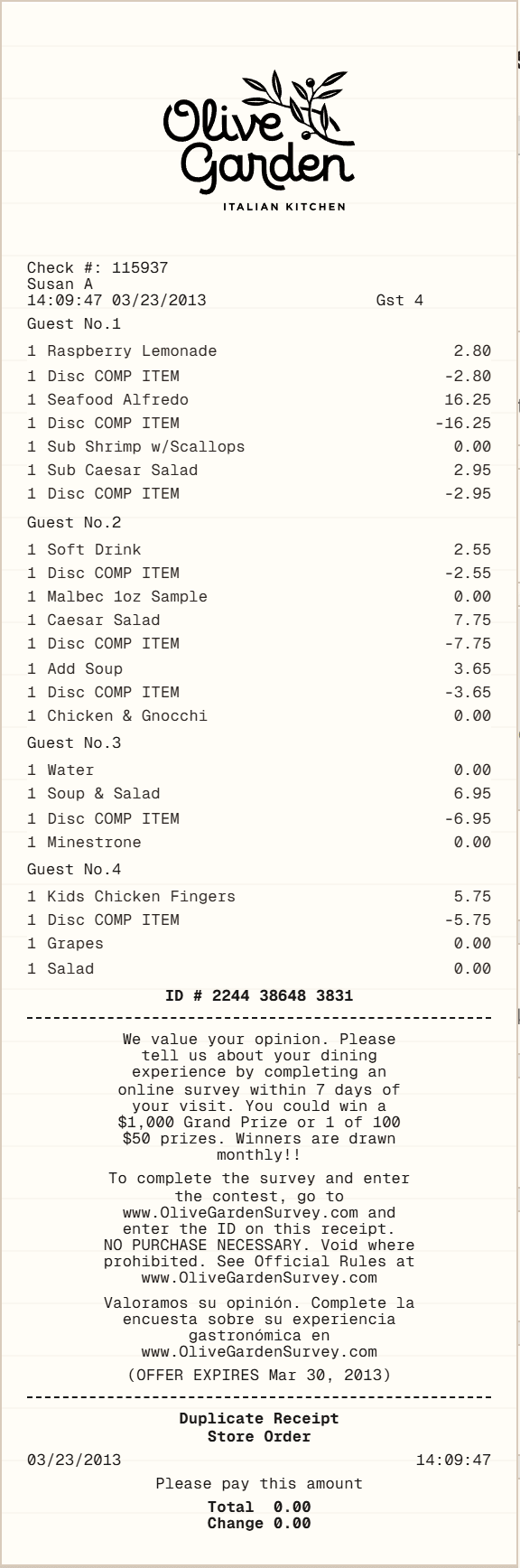
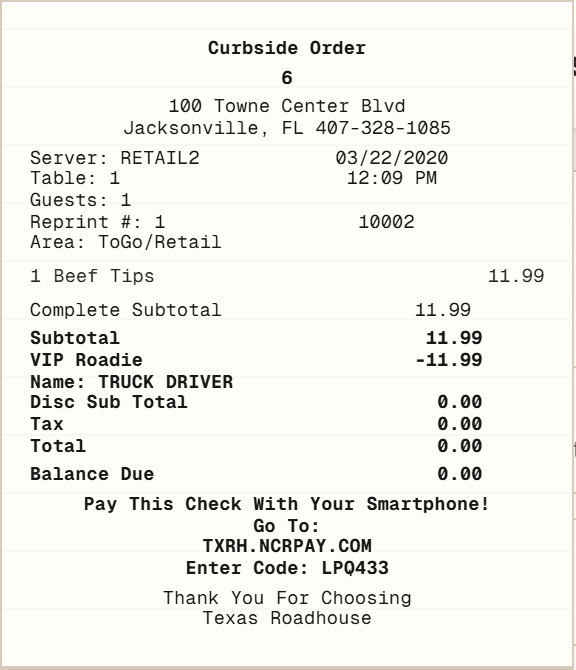
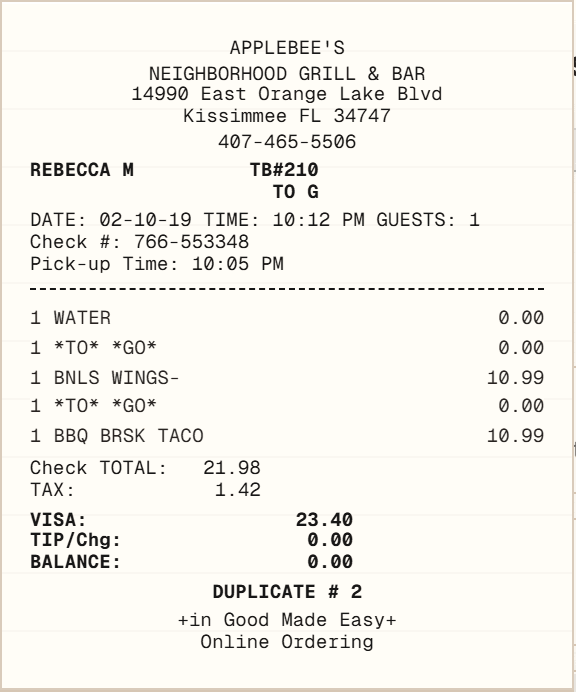
Table-service receipts may need a server name, table or check number, guest count, ordered courses, discounts, tax, gratuity, and separate tender details. Start with the general Restaurant Receipt when you need a neutral structure. Brand-style dining examples can help you compare layouts, but they are independent templates rather than official merchant records.

General Restaurant ReceiptOlive Garden exampleTexas Roadhouse example

Cafes and coffee shops

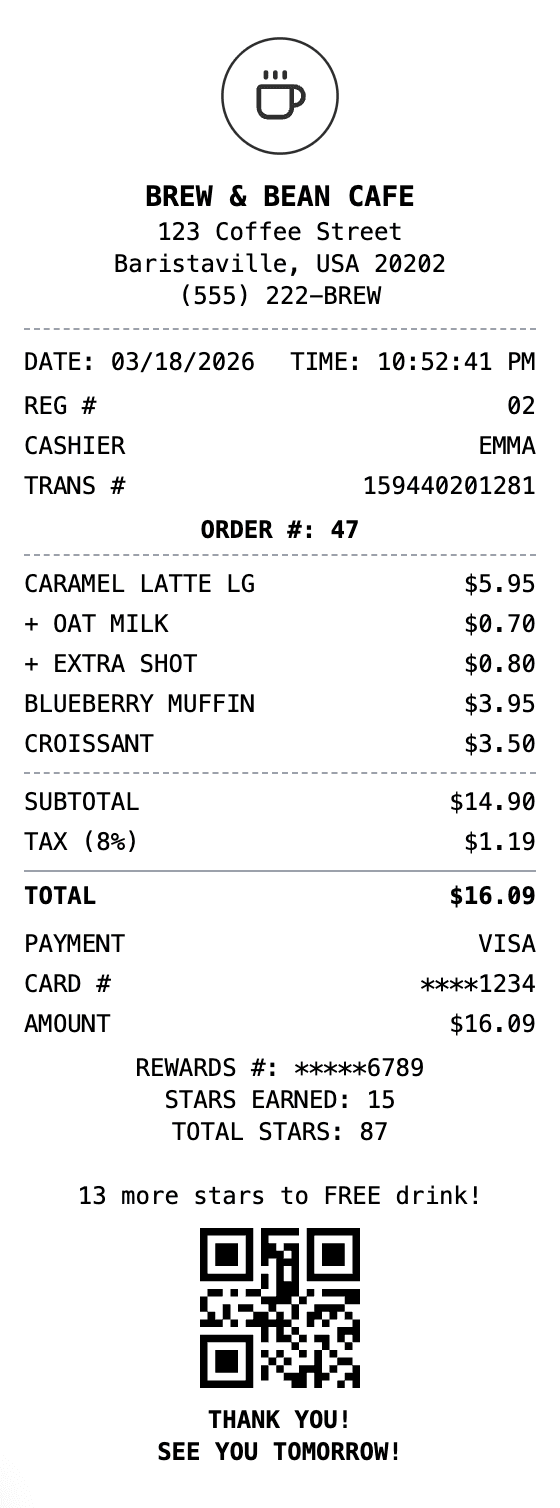
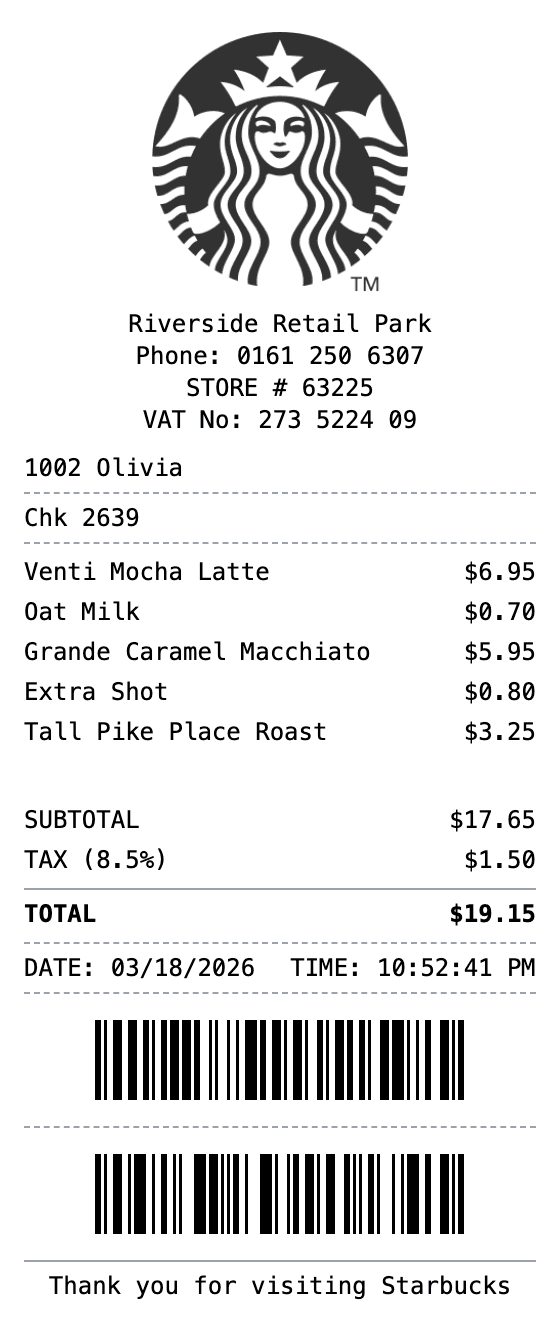
Cafe receipts often need drink sizes, milk or syrup modifiers, food add-ons, an order name, loyalty references, and a clear pickup identifier. Compare a flexible cafe layout with a coffee-brand example, then keep only fields that appear in the real order or source record.

Cafe ReceiptStarbucks-style example

Fast food and takeout

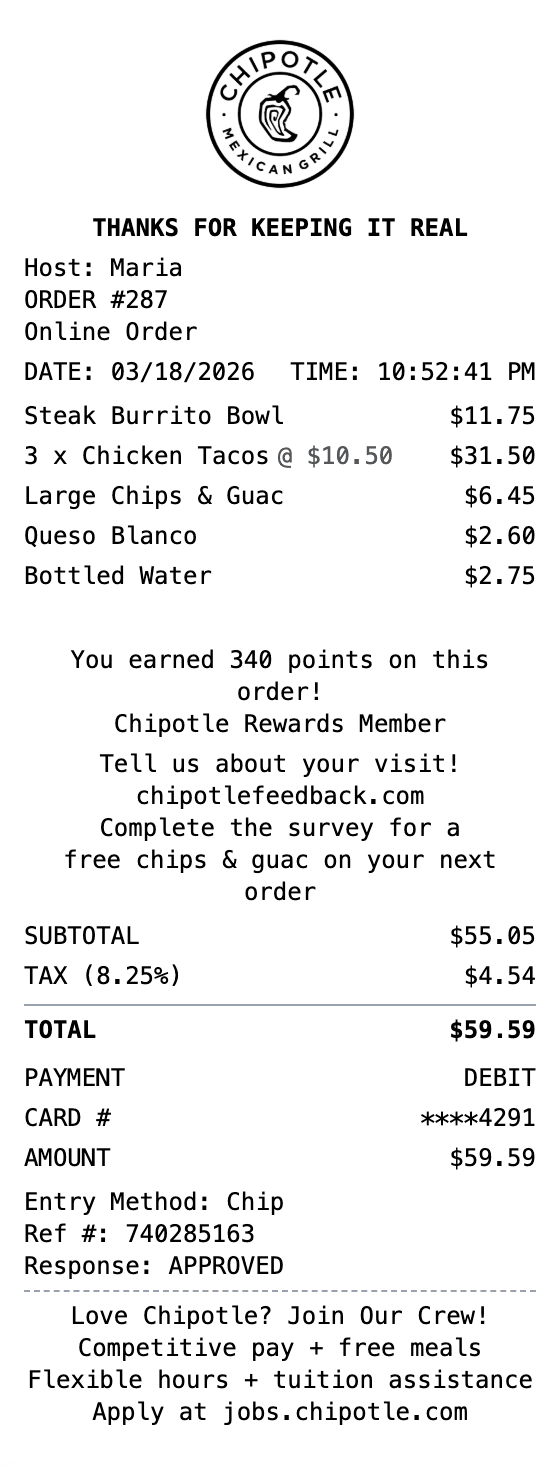
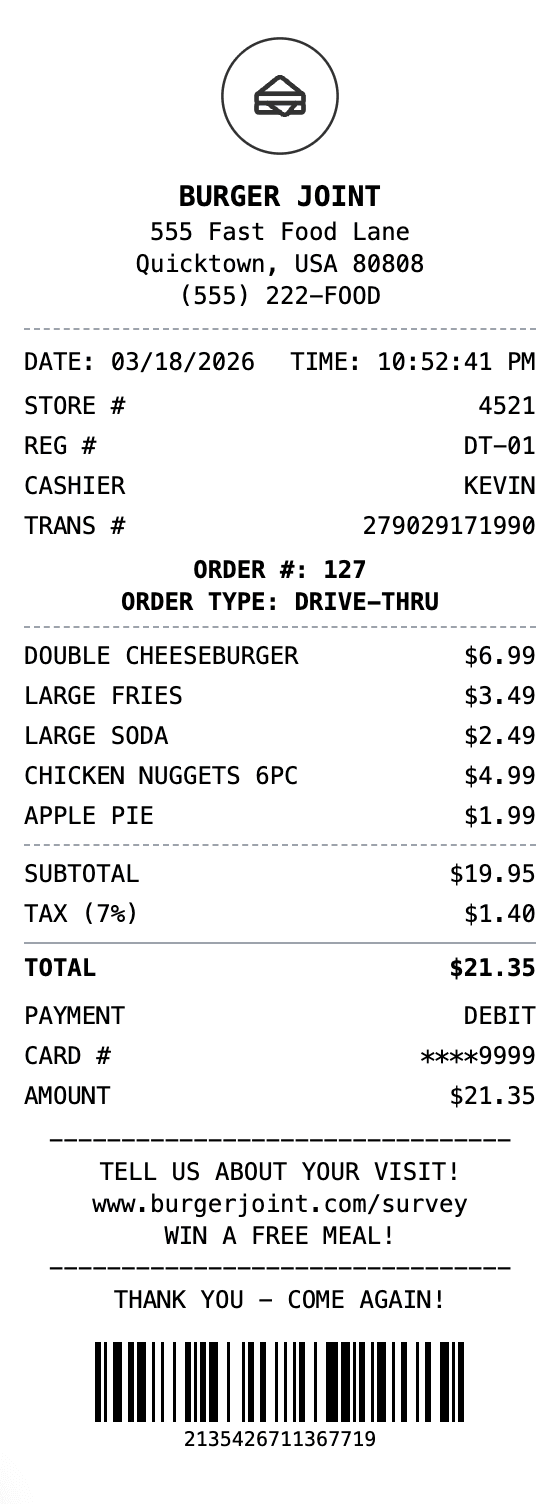
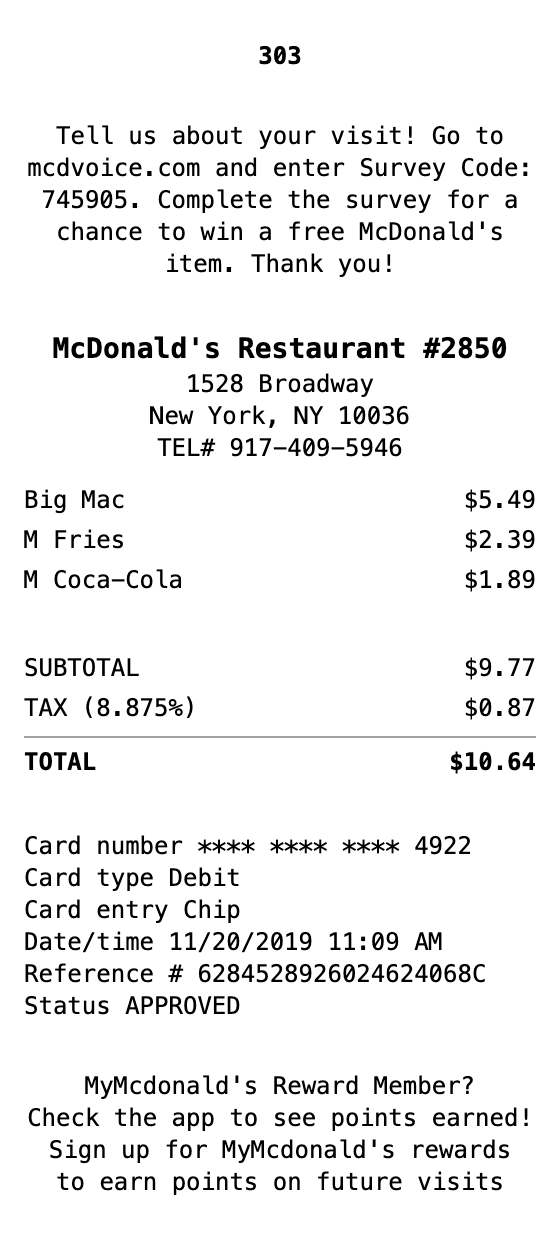
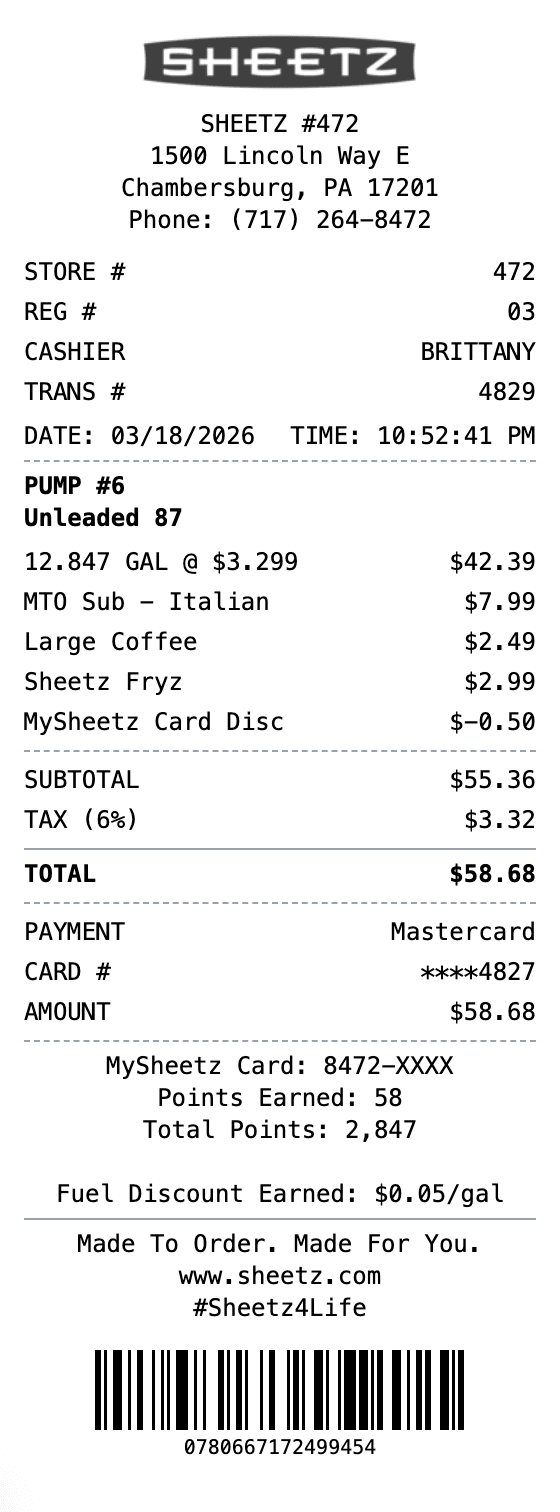
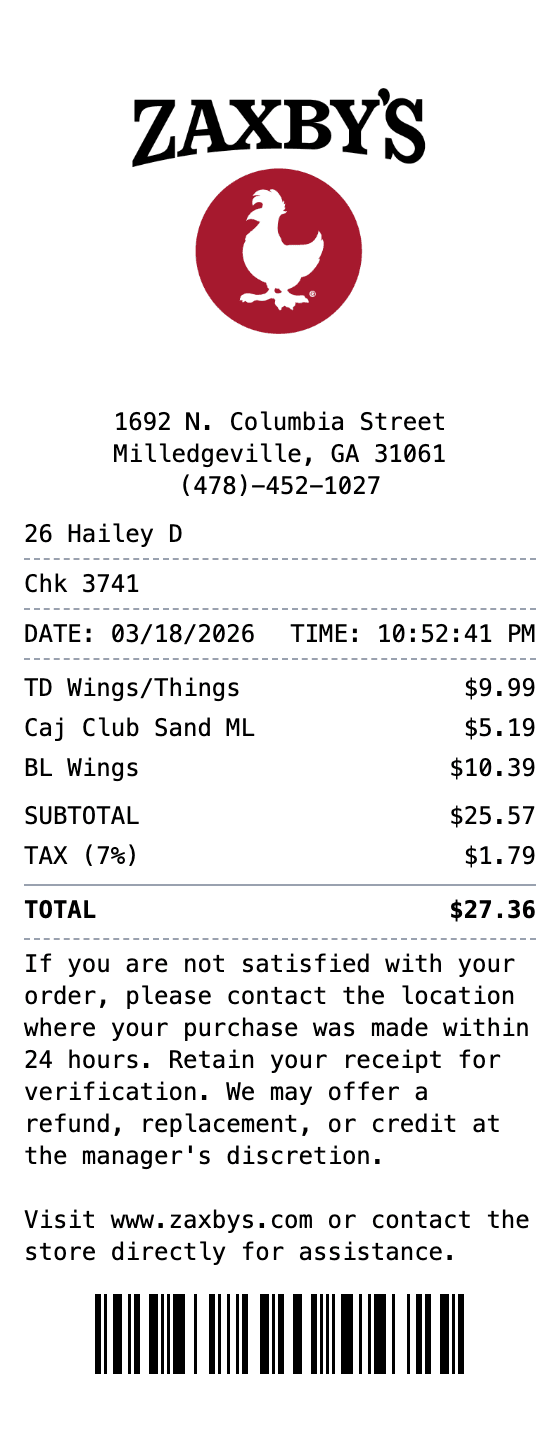
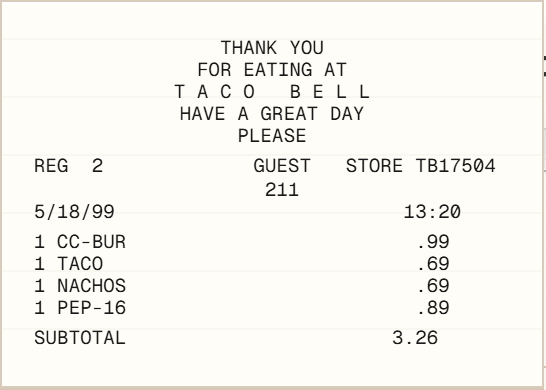
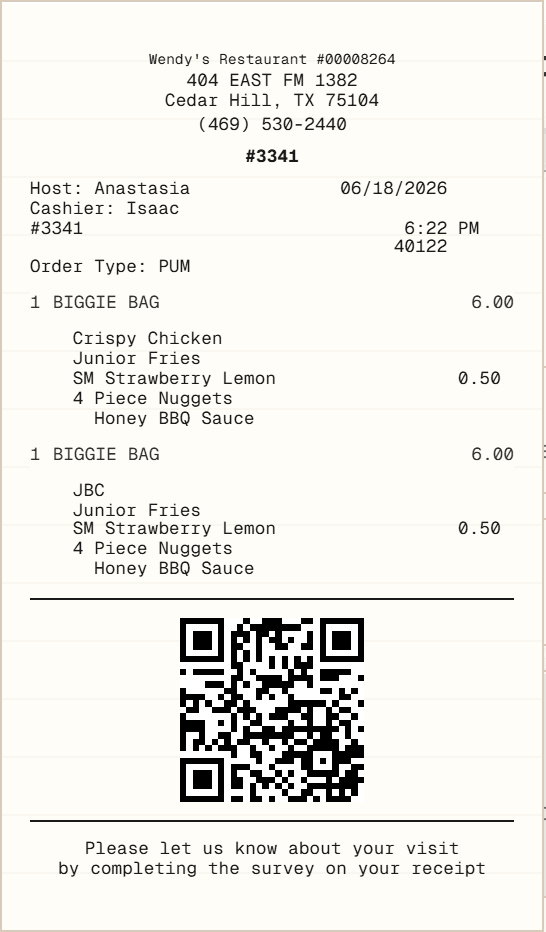
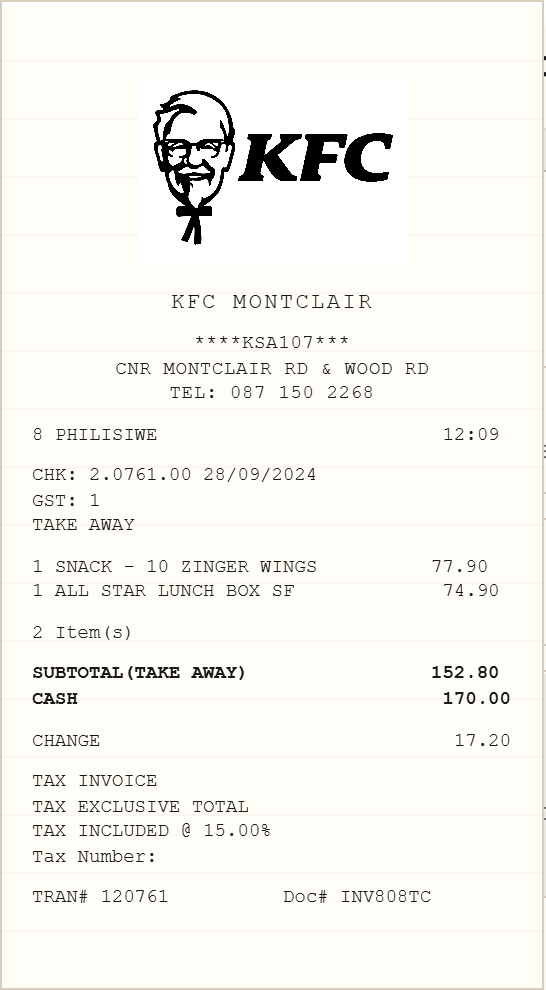
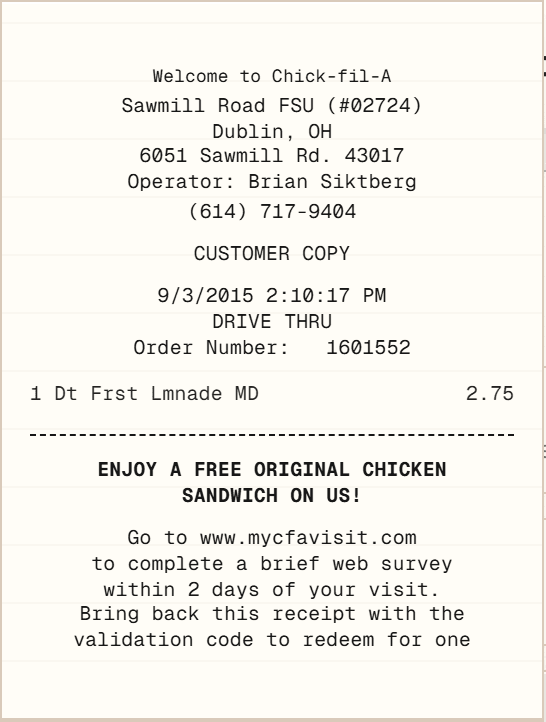
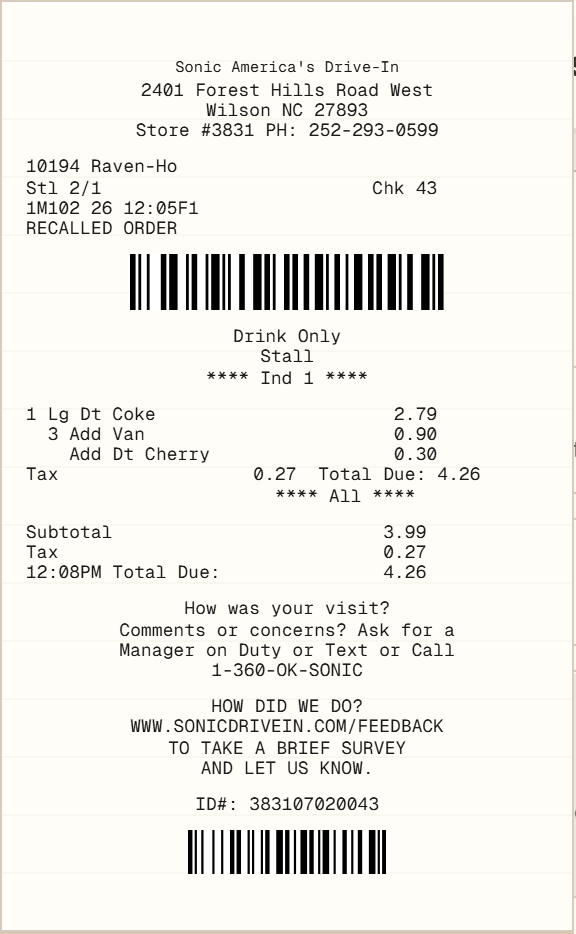
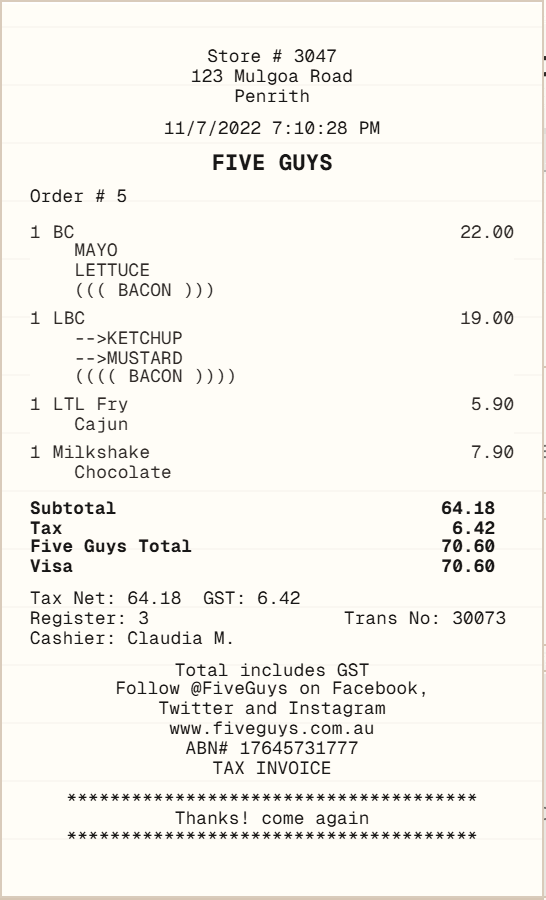
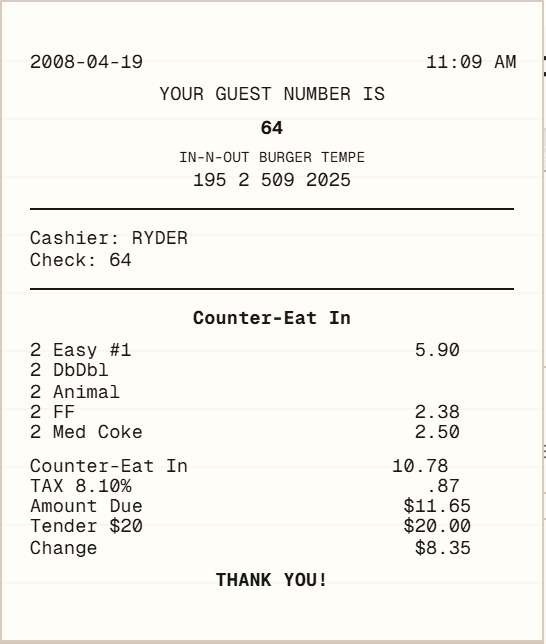
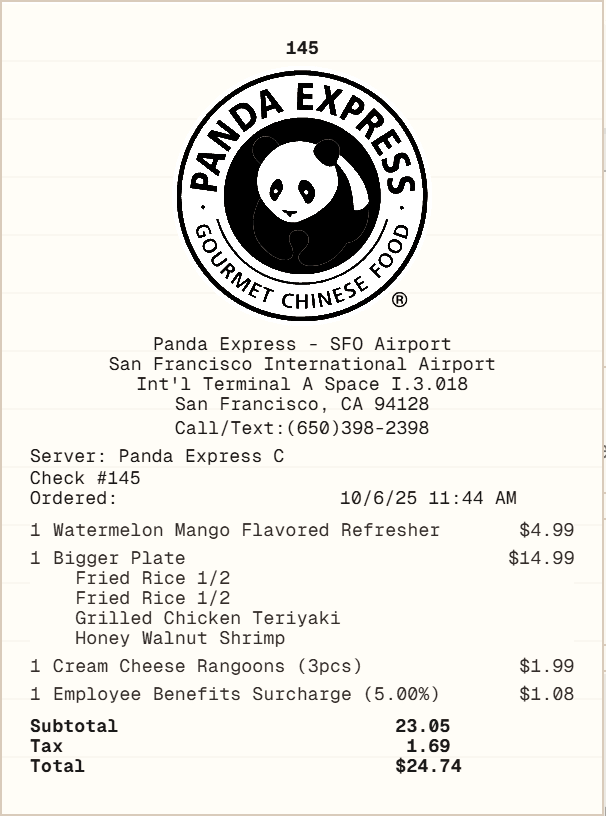
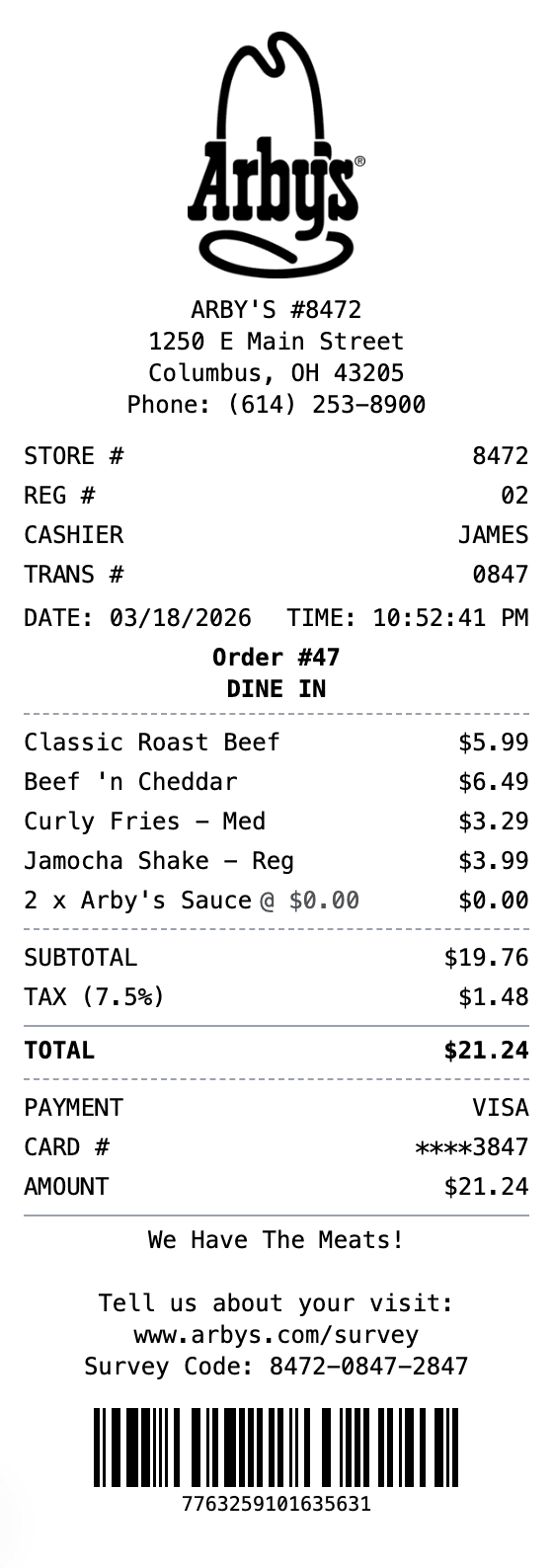
Quick-service layouts prioritize an order number, meal combinations, item modifiers, tax, tender, and fulfillment type. A general fast-food receipt works across many counter orders, while prepared restaurant examples show how different chains arrange store, cashier, order, item, and payment information.

Fast Food ReceiptMcDonald's-style exampleKFC-style example

Pizza orders

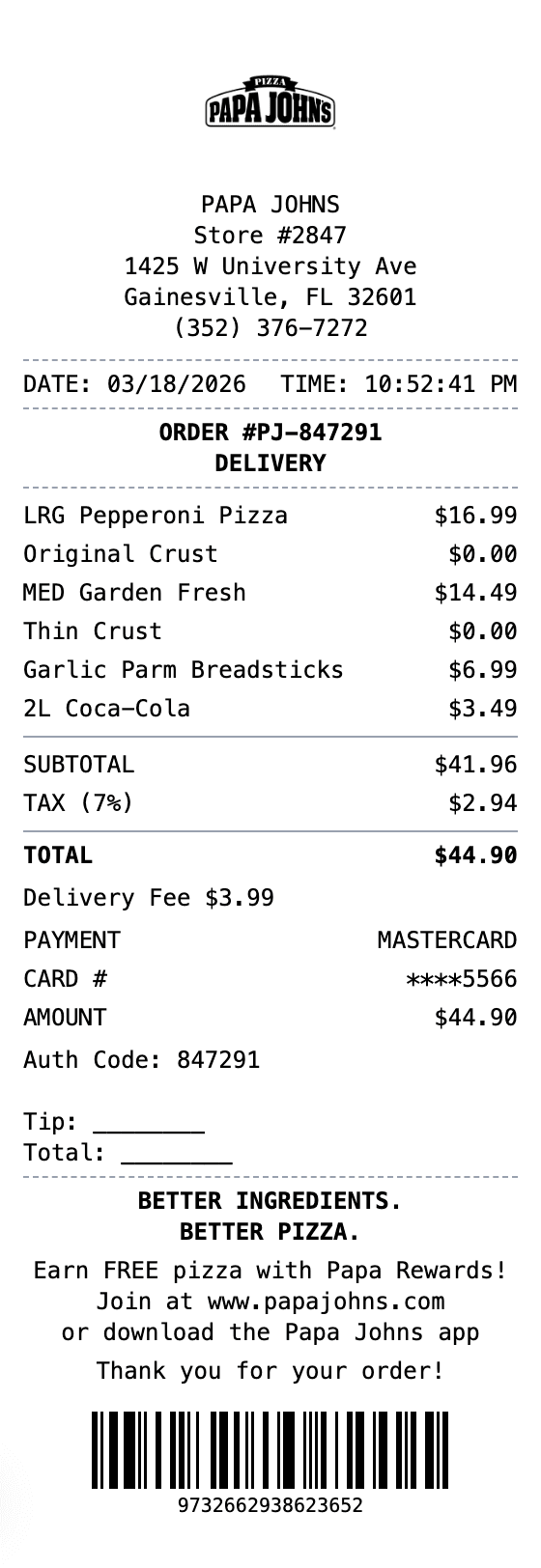
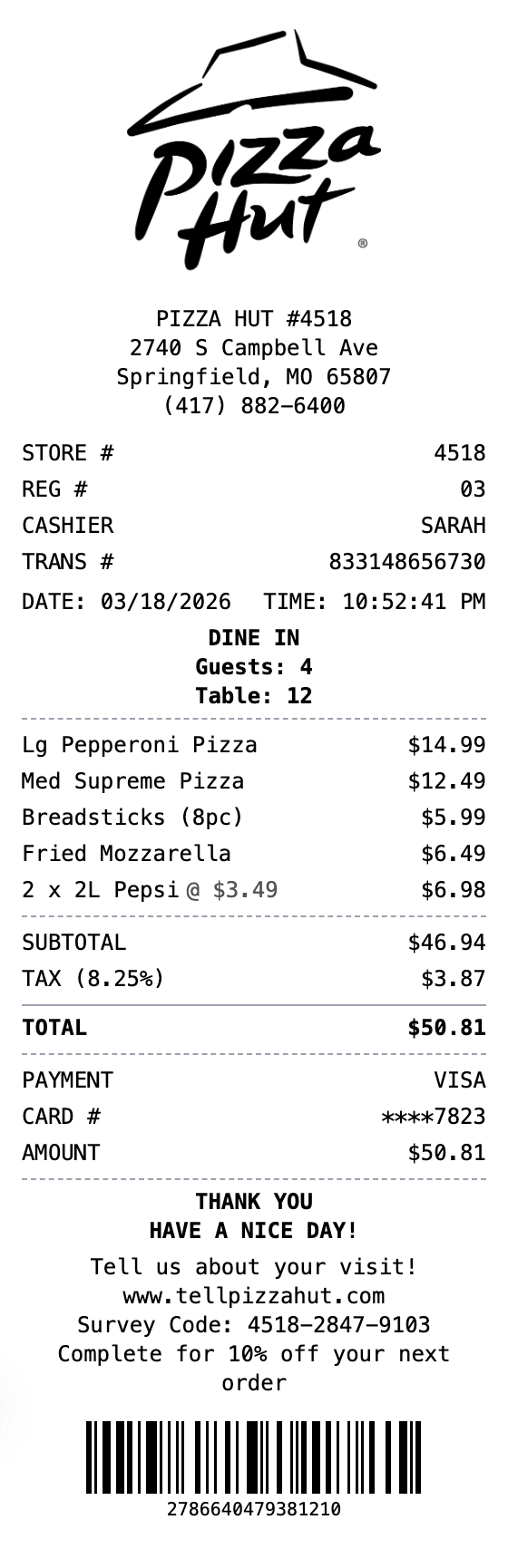
Pizza receipts may include crust, size, toppings, quantity, coupons, delivery or carryout status, and a promised time. Choose a pizza-oriented structure when a generic restaurant layout would make those modifiers difficult to read or verify.

Pizza Hut examplePapa Johns example

Delivery and marketplace orders

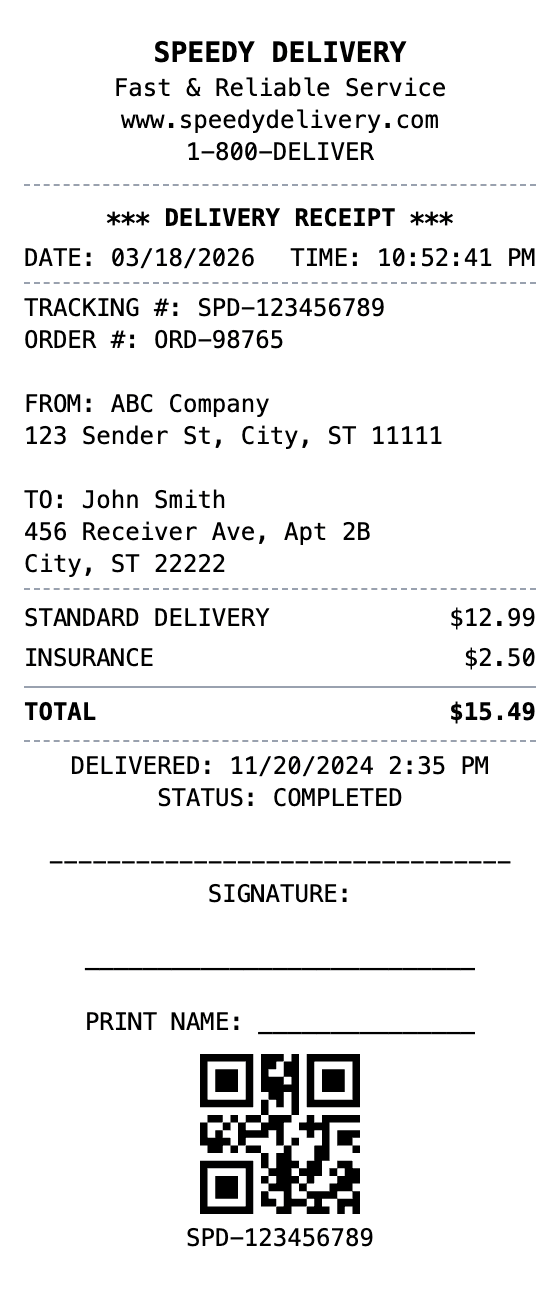
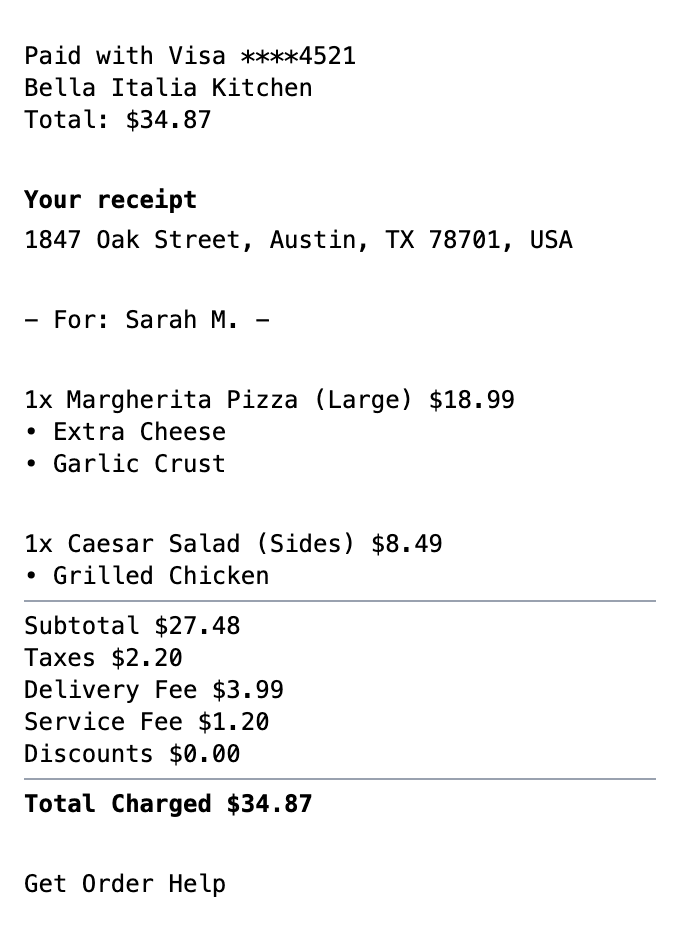
Delivery documentation should separate menu items from discounts, service fees, delivery fees, taxes, and driver tips. It may also need an order channel, delivery address, fulfillment status, or platform reference. Use a general delivery layout unless a platform-oriented structure better matches the source.

Delivery ReceiptDoorDash-style example

Use a source you can verify

Check the template against a real order, point-of-sale export, or merchant duplicate. Generated receipts may support legitimate record-keeping, testing, or design work. They must not invent a purchase, support a false reimbursement, or impersonate an official restaurant record.

Check before editing

What a Restaurant Receipt Should Include

A useful receipt should identify the business, transaction, purchased items, calculation, and payment without forcing the reader to guess. The exact fields depend on the restaurant and service model. When a field is absent from the source record, leave it out instead of creating plausible-looking information.

The step-by-step receipt guide explains how to record parties, dates, line items, totals, and payment details. For a layout without restaurant styling, start in the blank receipt builder.

Common restaurant receipt fields

  • Restaurant name, location, and contact details
  • Receipt, check, order, register, or transaction number
  • Date, time, order type, table, server, or cashier when applicable
  • Each menu item, quantity, modifier, unit price, and line amount
  • Discounts, service charges, delivery fees, subtotal, and tax
  • Gratuity, total paid, payment method, and a safe card reference

Restaurant Receipt Template Questions

Which restaurant receipt template should I choose?

Choose the template whose service model and visible fields most closely match the source transaction. Use a general restaurant layout for table service, a cafe layout for drink modifiers, a fast-food layout for counter orders, or a delivery layout when fees and tips must be separated.

Can I edit the items, tax, tip, and payment details?

Yes. Supported sections let you edit business and transaction details, menu items, quantities, prices, discounts, tax, gratuity, totals, payment information, and footer text. Review the finished calculation and compare every value with the source.

Are the restaurant-brand templates official receipts?

No. Receipt Generators is independent of the restaurants named in brand-style templates. These layouts are editable examples, not merchant-issued records, proof of purchase, or evidence that an order took place.

What should I do if I lost the original restaurant receipt?

Ask the restaurant, delivery service, or payment provider for a duplicate tied to the original transaction. An internal reconstruction can support your own notes, but it should be labeled accurately and must not be presented as the missing merchant original.

Ready to customize a restaurant receipt?

Start with the closest layout, enter only accurate transaction details, and review the receipt before exporting.

Customize the Restaurant Receipt