Match the checkout channel
How to Choose a Grocery Receipt Template
Begin with the completed transaction, not the retailer logo. A supermarket lane receipt, mixed big-box basket, membership-warehouse purchase, specialty-grocery checkout, and online fulfillment summary use different identifiers and adjustments.
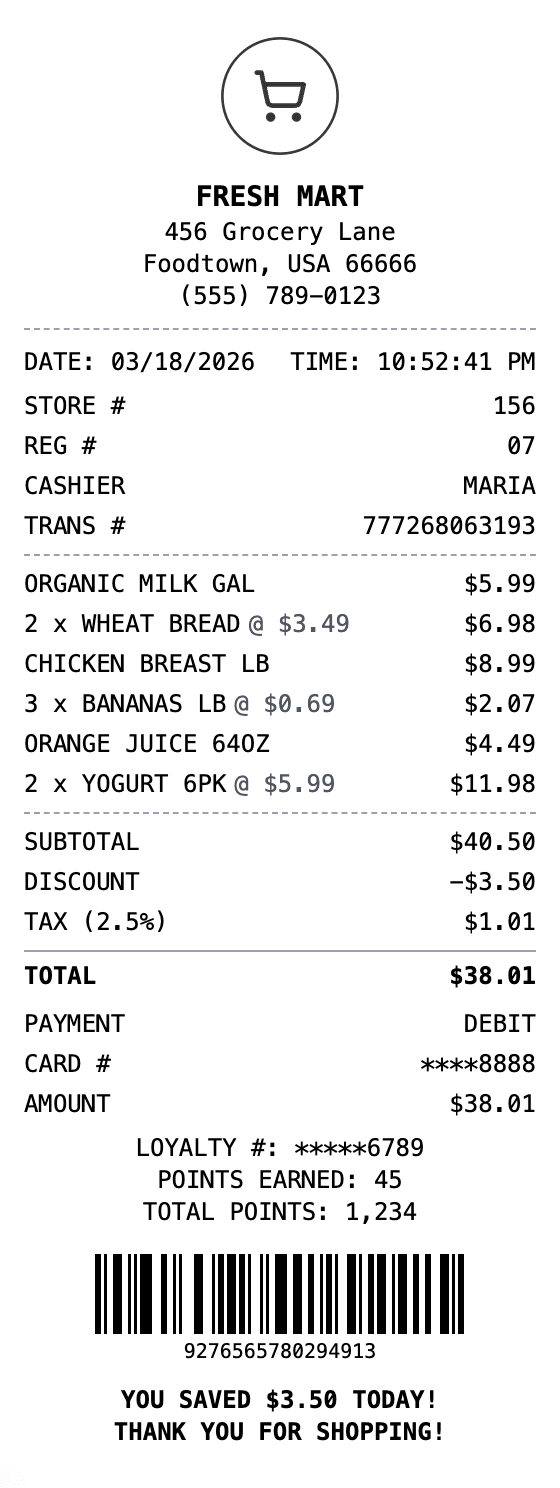
General grocery receipt
Start with the general Grocery Receipt for household food and supply purchases. It keeps packaged products, quantities, weighed goods, coupons, deposits, tax, payment, and return information readable without assuming a particular retailer's checkout system.
Grocery Receipt
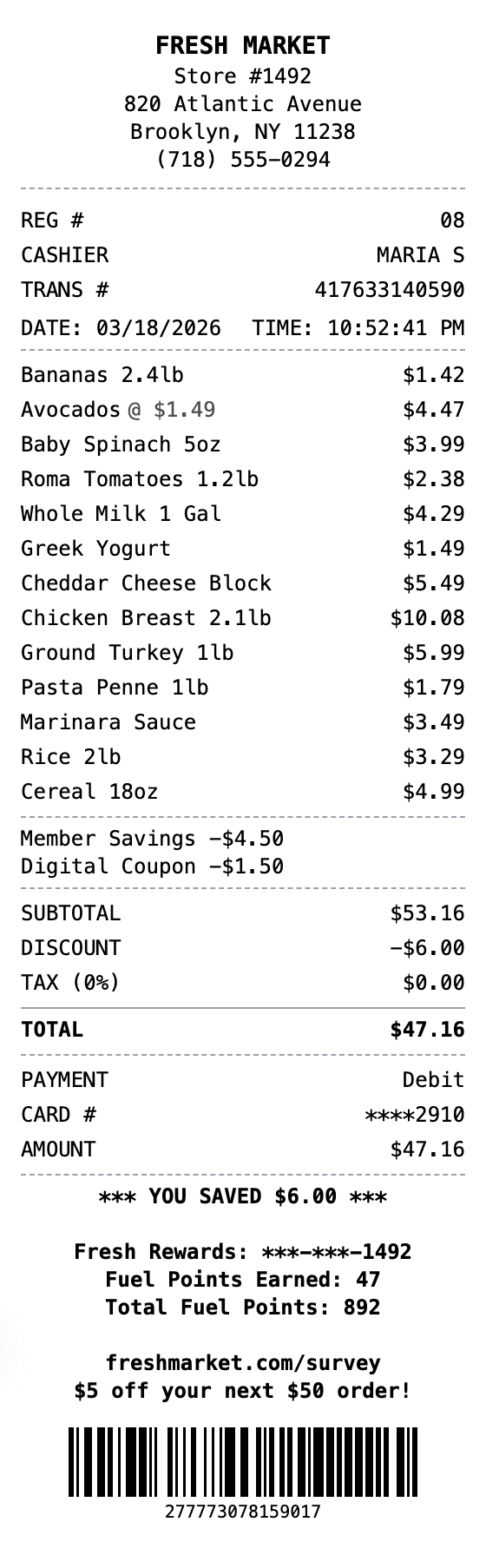
Supermarket POS receipt
Choose the Supermarket POS Receipt when operational checkout references matter. Its structure emphasizes lane, register, cashier, transaction sequence, departments, scanned SKU or UPC lines, produce PLUs, scale weights, overrides, tax groups, and multiple tenders.
Supermarket POS Receipt
Big-box grocery purchase
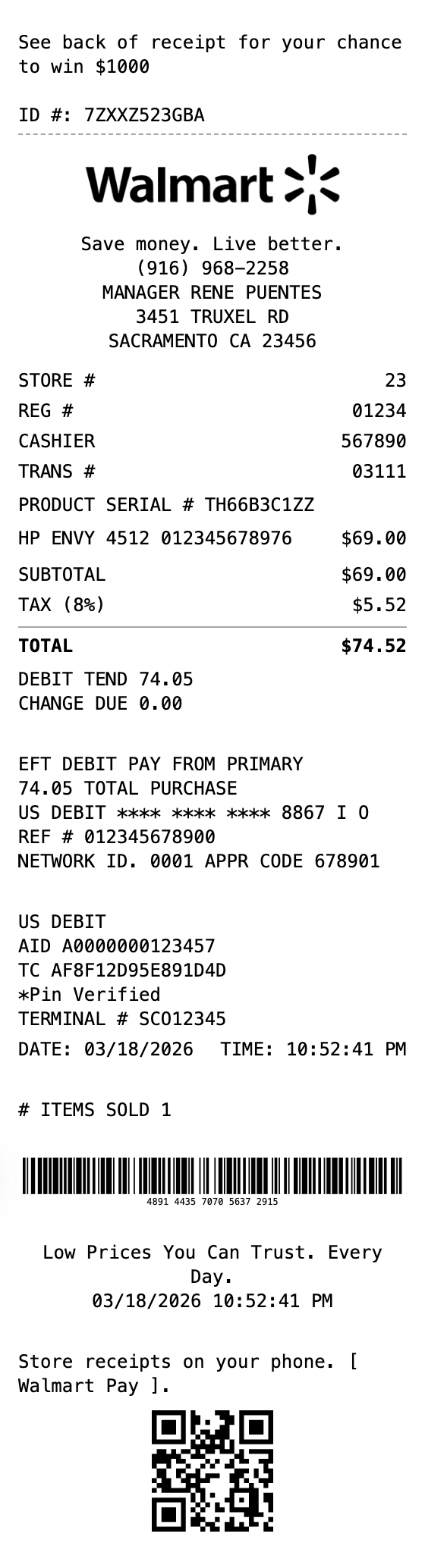
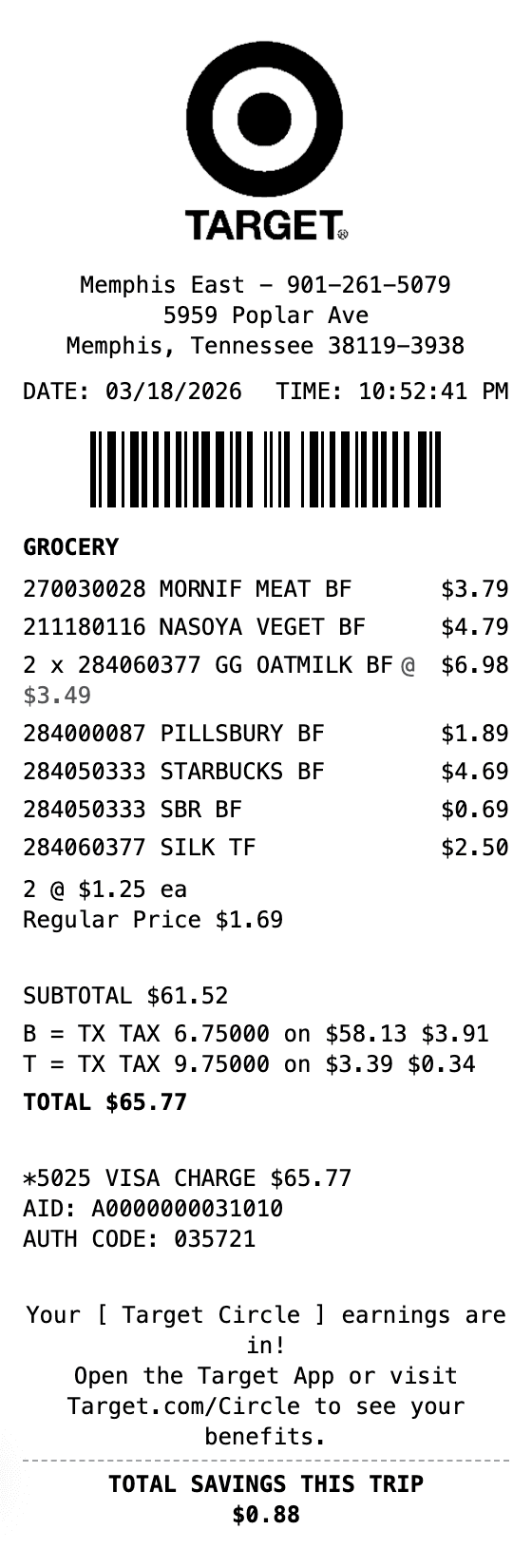
Walmart and Target layouts fit mixed baskets that may combine groceries with household, apparel, pharmacy, or other retail goods. Keep the actual store, department, item, promotion, tax, fulfillment, and tender details instead of treating every line as food.
Walmart-style receiptTarget-style receipt
Warehouse and specialty grocers
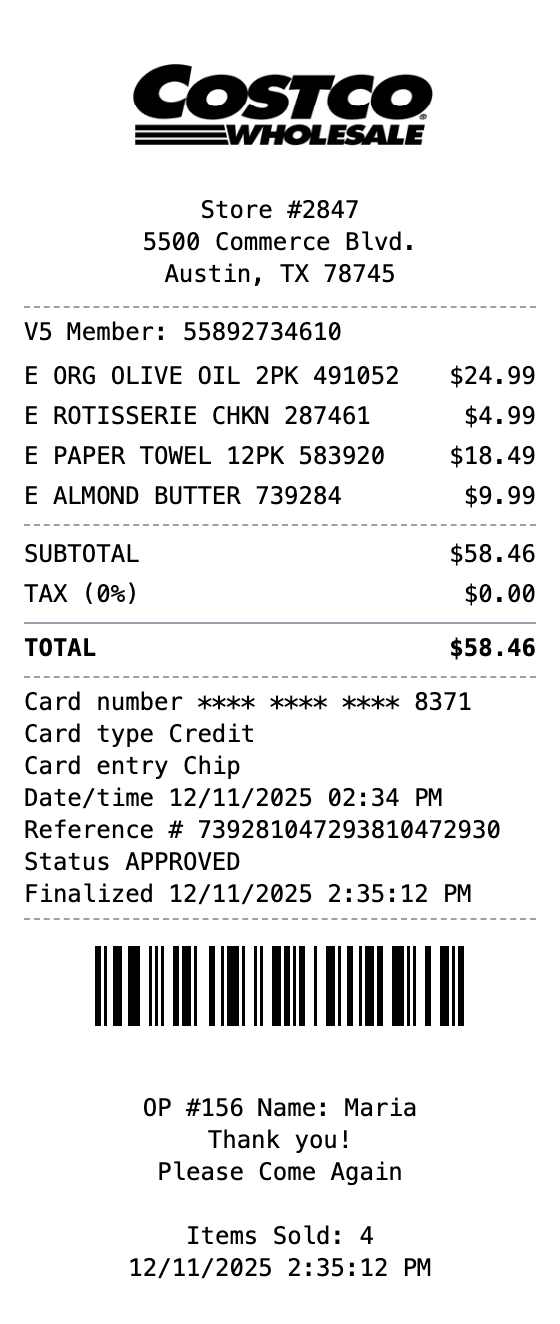
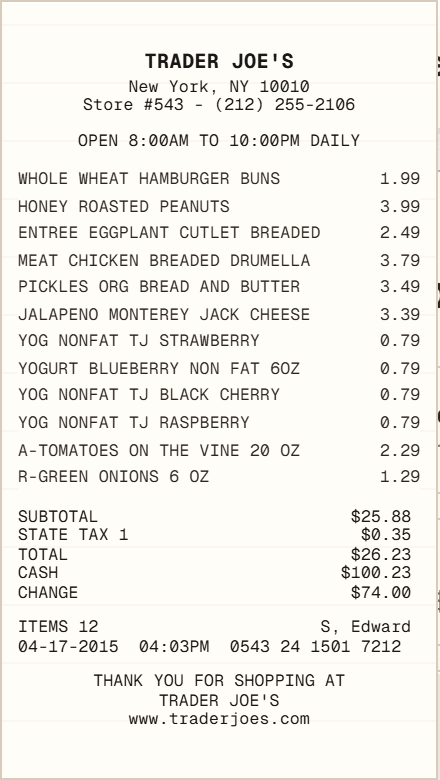
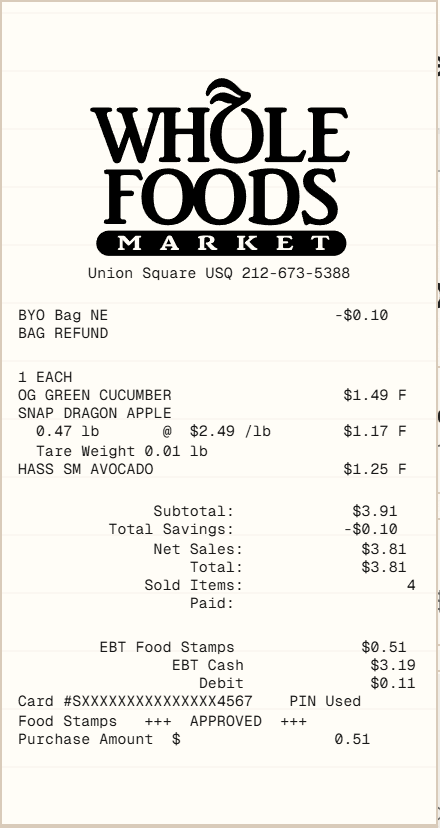
Use Costco for membership-warehouse item numbers, package quantities, and instant savings. Trader Joe's and Whole Foods examples focus on specialty grocery products; Whole Foods also helps distinguish an in-store sale from a pickup or delivery record with substitutions and weight adjustments.
Costco-style receiptTrader Joe's-style receiptWhole Foods-style receipt