Drag & Drop Builder
Arrange procedure codes, copays, insurance details, and patient info like real medical billing statements.
health
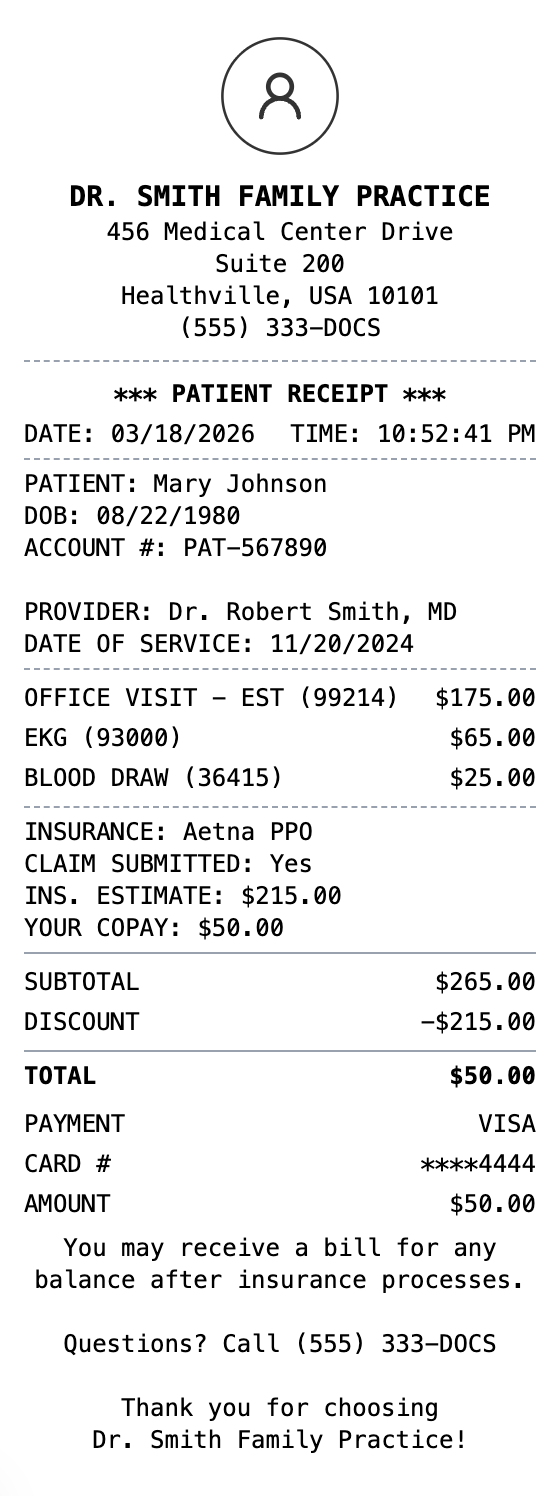
Medical service receipt with procedure codes
Start your Medical Receipt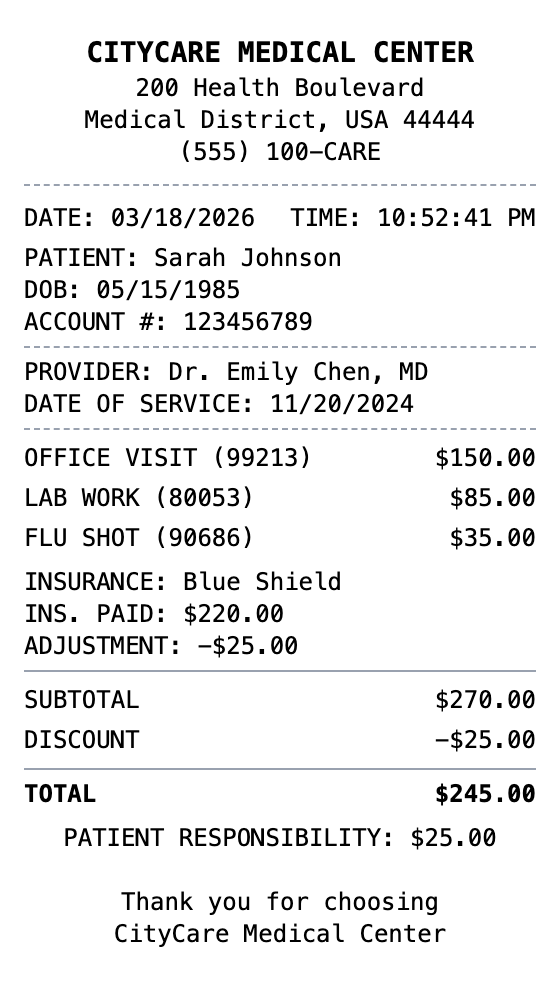
Included in this template
Arrange procedure codes, copays, insurance details, and patient info like real medical billing statements.
Watch your medical receipt update as you add services, costs, and insurance adjustments.
Download as PDF for insurance claims, PNG for quick records, or JPEG for patient files.
Include clinic name, patient details, procedure codes, and format it professionally.
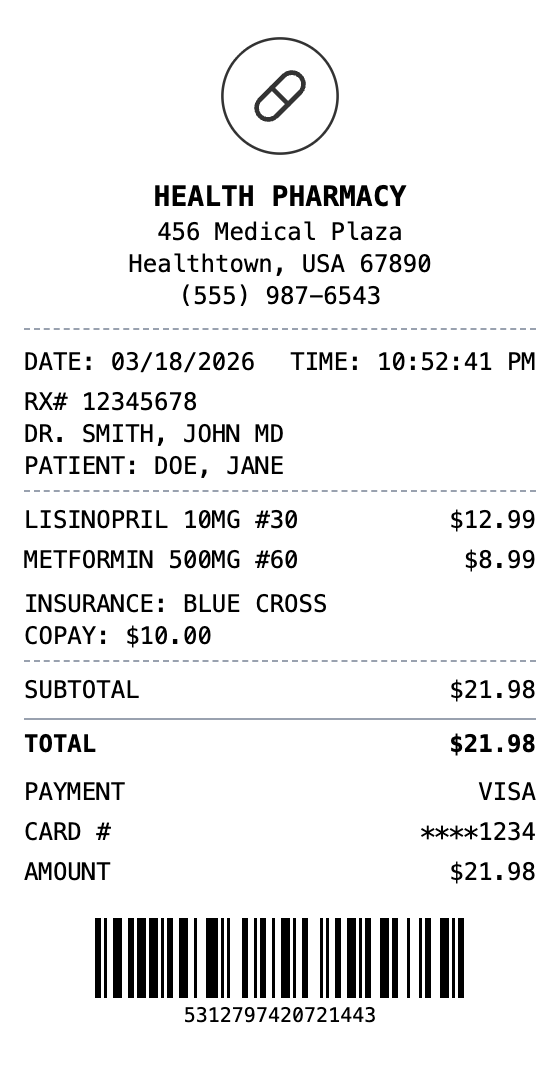
Add patient ID barcodes or QR codes linking to patient portals and appointment systems.
Choose white paper for professional medical documents or thermal for checkout receipts.
Load this layout in the editor, ready to customize.
Change the header, line items, totals, and footer until everything matches.
Save the result as PNG, PDF, or JPEG, sized for print or screen.
A medical receipt is a documented record of healthcare services rendered and payments made at a doctor's office, clinic, hospital, or medical facility. It details the patient name, provider information, services or procedures performed (often with CPT codes), dates of service, insurance adjustments, copay or coinsurance amounts, and the patient's balance or amount paid. Medical receipts serve as both billing statements and proof of payment for healthcare services.
Medical receipts are essential for HSA and FSA reimbursement claims, tax deductions for medical expenses exceeding the IRS threshold, and insurance claim filing. Patients need them to track out-of-pocket healthcare costs, verify that insurance processed claims correctly, and submit for employer health benefit reimbursements. They are also required for medical expense deductions on Schedule A of tax returns.
Submit medical receipts for health savings or flexible spending account claims
Document healthcare expenses for IRS Schedule A itemized deductions
File or appeal insurance claims with documented proof of services and payment
Process medical expenses through employer-sponsored health programs
Maintain organized healthcare expense records for personal financial tracking
Document medical expenses for personal injury or workers compensation claims
Medical receipts typically include the provider name, patient info, date of service, procedure codes and descriptions, charges, insurance adjustments, copay/coinsurance, and total amount paid.
Yes, medical receipts serve as documentation for HSA and FSA reimbursement claims. Include the provider name, service date, description of service, and amount paid for eligible expenses.
Use the custom message section to add insurance provider name, plan number, and adjustment amounts. You can also note the allowed amount vs. billed amount.
Open the template, edit the details, and export your finished receipt.
Generate Medical Receipt